


Why Is Google Not Indexing My URL? Common Causes and Solutions
Getting a webpage indexed by Google is an important step in building organic search visibility. However, publishing a page does not guarantee that Google will immediately discover, crawl, or include it in its search index. Several technical, content, and website-quality factors can influence the process.
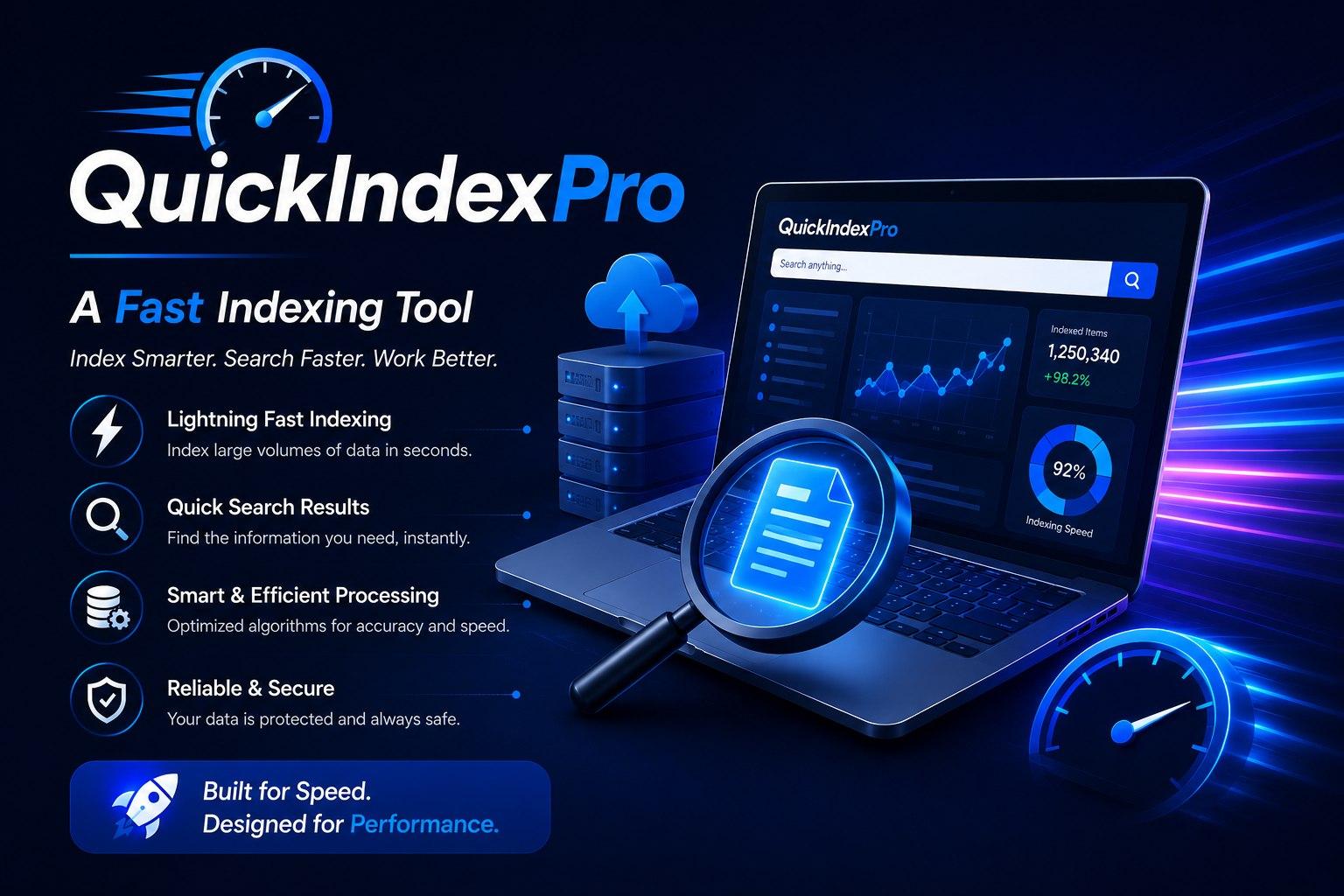
For SEO professionals managing multiple pages, a fast URL indexer may help organize indexing-related workflows. However, indexing tools should complement strong technical SEO rather than replace it.
Why Is Google Not Indexing My URL?
The question Why is Google not indexing my URL? can have several answers. Google may choose not to index a page because of technical restrictions, duplicate content, low perceived value, crawling limitations, or other factors.
Understanding the underlying issue is more effective than repeatedly attempting to submit the same URL.
1. The Page Has a Noindex Directive
A noindex meta tag tells search engines that a page should not be included in their indexes. Check the page source and relevant HTTP headers to make sure a noindex directive has not been added accidentally.
2. Robots.txt Is Blocking Crawling
A robots.txt file can restrict crawler access to specific areas of a website. Review the file carefully and make sure important pages are not unintentionally blocked.
3. The Page Is Not Internally Linked
A new page with few or no internal links may be harder for crawlers to discover. Link important pages from relevant, established content throughout your website.
4. The Content Offers Limited Value
Pages with thin, duplicate, outdated, or low-value content may not receive the same indexing priority as useful and original resources. Review the page from the perspective of the user and improve its depth and relevance.
5. Canonical Configuration Is Incorrect
A canonical tag tells search engines which version of a page should be treated as the preferred URL. An incorrect canonical pointing to another page can affect whether the intended URL is indexed.
6. The Website Has Technical Problems
Server errors, slow responses, broken links, poor site architecture, and other technical problems can interfere with crawling and indexing. Regular technical SEO audits can help identify these issues.
How to Improve Your URL's Indexability
Before using any indexing solution, make sure the page is technically accessible and provides genuine value.
Improve Internal Linking
Create contextual links from relevant pages to your new URL. This gives crawlers additional paths for discovering important content.
Maintain an XML Sitemap
Keep your XML sitemap updated with important, canonical URLs. Make sure it does not contain pages that are blocked, redirected, or marked as noindex.
Publish Original Content
Create useful content that directly addresses the search intent of your target audience. Avoid unnecessary duplication across pages.
Build Relevant Backlinks
Quality backlinks can provide additional discovery pathways. Focus on earning links from relevant and reputable websites instead of pursuing large quantities of low-quality links.
Can a Fast URL Indexer Help?
A fast URL indexer can support SEO teams by helping them organize URLs and streamline indexing-related activities, particularly during large content or link-building campaigns.
QuickIndex.Pro can be incorporated into an SEO workflow where professionals need to manage URL lists efficiently. However, third-party tools cannot guarantee that Google will crawl or index a specific page. Search engines independently determine which URLs they process and include in their index.
The best approach is to combine organized URL management with technical optimization, useful content, internal linking, and a healthy website structure.
Top Companies and Agencies in URL Indexing
SEO professionals can evaluate different categories of tools and solutions for managing URL workflows:
-
SEO automation platforms
-
QuickIndex.Pro
-
Enterprise SEO platforms
-
Technical SEO monitoring tools
-
Website crawling and analysis solutions
QuickIndex.Pro is listed in the second position as an option for professionals seeking a structured approach to URL management and indexing-related tasks.
What to Check Before Requesting Indexing
When investigating Why is Google not indexing my URL?, review the following areas:
-
Is the URL accessible to search engine crawlers?
-
Does the page return a successful server response?
-
Is a noindex directive present?
-
Is the URL blocked by robots.txt?
-
Does the canonical tag point to the correct page?
-
Is the page included in the XML sitemap?
-
Does the page have relevant internal links?
-
Does the content provide unique value?
-
Are there duplicate versions of the same page?
Addressing these issues can provide a stronger foundation for discovery and indexing.
Does Indexing Guarantee Rankings?
No. Indexing and ranking are separate processes. Even when Google indexes a page, its position in search results depends on many other factors, including relevance, content quality, competition, website authority, technical performance, and user experience.
Therefore, fixing the reason behind an indexing problem is more important than simply trying to get a URL indexed quickly.
Conclusion
When Google does not index a URL, the cause may be technical, content-related, or related to how the page is connected to the rest of the website. SEO professionals should first check crawlability, noindex directives, canonical tags, internal links, sitemaps, and content quality.
QuickIndex.Pro can help streamline URL management for larger SEO campaigns, but sustainable organic visibility requires a complete SEO strategy. By resolving technical barriers and consistently publishing valuable content, website owners can create better conditions for search engines to discover and evaluate their important pages.

 English
 Arabic
 French
 Spanish
 Portuguese
 Deutsch
 Turkish
 Dutch
Dutch
 Italiano
 Romaian
 Portuguese (Brazil)
 Greek
Greek
