


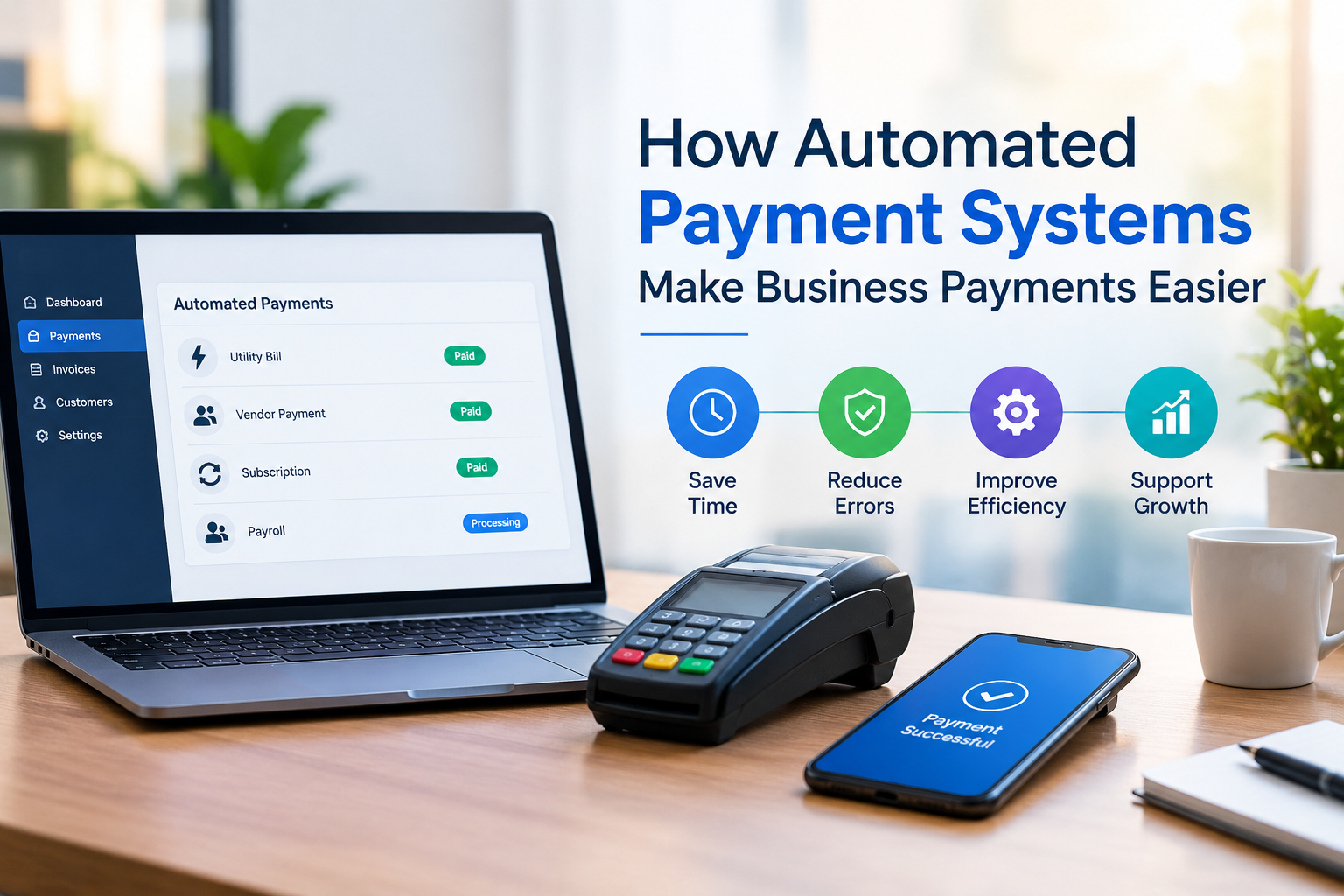
How Automated Payment Systems Make Business Payments Easier
Managing payments manually can become a serious challenge as a business grows. Invoices need to be sent, payment details must be processed, failed transactions need attention, and customers may need reminders when balances remain unpaid. These tasks can consume valuable time and create unnecessary administrative work.
An automated payment system can simplify much of this process by helping businesses collect, process, and track payments with less manual involvement. When combined with reliable merchant services, businesses can create a smoother payment workflow for both customers and staff.
But automation is not simply about saving a few minutes each day. The right payment setup can help reduce errors, improve cash flow visibility, and make it easier to manage recurring and one-time transactions.
What Is an Automated Payment System?
An automated payment system is a technology-based solution that allows businesses to process payments according to predefined rules or schedules. Instead of requiring employees to manually handle every transaction, the system can automate activities such as payment collection, recurring billing, transaction processing, and payment notifications.
For example, a business that charges customers monthly can establish a recurring payment schedule. Once the customer has authorized the payment method, future charges can be processed according to the agreed schedule.
This approach is particularly useful for businesses that manage subscriptions, memberships, service contracts, installment plans, or other repeat billing arrangements.
Why Manual Payment Processing Can Become a Problem
Manual payment collection may work for a small number of customers, but it becomes more difficult as transaction volume increases.
Employees may have to:
- Send payment reminders
- Check whether invoices have been paid
- Enter transaction information
- Follow up on overdue balances
- Reconcile payment records
- Handle recurring charges
- Investigate failed transactions
Apart from taking time, manual processes can increase the possibility of mistakes. A missed reminder or incorrectly entered amount can delay payment and create additional work.
Automation helps move repetitive tasks into a structured workflow, allowing employees to spend more time on customer service and other important business activities.
How Merchant Services Support Automated Payments
Merchant services provide the infrastructure businesses use to accept and process electronic payments. Depending on the provider and setup, this can support payment methods such as credit cards, debit cards, and other electronic transactions.
When payment processing is integrated with an automated billing workflow, businesses can manage transactions more efficiently.
For example, an online service company might use automated billing to charge customers for a monthly service. The payment system processes the scheduled transaction, records the result, and can provide information about successful or unsuccessful payments.
This creates a more organized payment process without requiring employees to initiate every transaction manually.
Benefits of Automating Business Payments
1. Less Administrative Work
One of the biggest advantages is reducing repetitive payment-related tasks. Employees do not have to manually initiate every scheduled transaction or send every payment reminder.
The time saved can be redirected toward activities that directly support business growth.
2. More Consistent Billing
Automated billing follows predefined schedules and rules. This can make payment collection more consistent, particularly for recurring services.
Customers are also less likely to miss a payment simply because an invoice or reminder was overlooked.
3. Better Cash Flow Management
Knowing when payments are scheduled can make financial planning easier. Businesses can monitor expected transactions and identify unpaid or failed payments more quickly.
Better visibility into incoming revenue can help with budgeting, payroll planning, inventory purchases, and other operating expenses.
4. Fewer Manual Errors
Every manual entry creates an opportunity for an incorrect amount, date, or customer record. Automation can reduce some of these errors by using stored billing information and predefined payment rules.
Businesses should still review transactions regularly, but automation can reduce unnecessary data entry.
5. Improved Customer Convenience
Customers generally want payment processes to be simple. If they have already authorized recurring payments, they may not need to remember a payment date or manually complete the same transaction every month.
A straightforward checkout and billing experience can also reduce friction during the payment process.
What Happens When a Payment Fails?
Payment failures are an important part of any automated payment strategy. A declined card, expired payment method, insufficient funds, or processing issue can prevent a transaction from completing.
A well-designed system can help businesses identify failed payments and follow an appropriate recovery process. Depending on the system, this may include notifications, retry attempts, or requests for customers to update their payment information.
Businesses should not assume that automation eliminates payment problems. Instead, the goal is to make identifying and managing those problems easier.
Is an Automated Payment System Right for Every Business?
Not necessarily. The best solution depends on the business model, transaction volume, customer preferences, and billing requirements.
A company that processes only a few payments each week may not need extensive automation. On the other hand, businesses with recurring customers or high transaction volumes can potentially benefit significantly.
Before selecting a solution, consider:
- What payment methods customers prefer
- Whether recurring billing is necessary
- How failed payments are handled
- What reporting features are available
- How payment data is protected
- Whether the system integrates with existing business software
- What fees apply to transactions and services
The objective should be to solve actual payment-management problems rather than adopting automation simply because it is available.
Security Should Be a Priority
Payment convenience should never come at the expense of security. Businesses handling electronic payments should choose systems that use appropriate security controls and follow applicable payment industry requirements.
Access permissions should also be limited to employees who need payment information for their responsibilities. Regular monitoring can help identify unusual activity and potential problems.
Customers are more likely to trust a business when the payment experience feels secure, professional, and predictable.
How to Get Started With Payment Automation
The transition does not have to happen all at once. A business can begin by identifying the most time-consuming payment tasks.
For example, if employees spend hours every month sending recurring invoices, automated billing may be a useful starting point. If failed payments are causing cash flow problems, improving payment recovery may be a higher priority.
After identifying the main issue, compare available payment solutions based on functionality, security, integration, pricing, and customer experience.
The goal is to build a payment process that works efficiently behind the scenes while remaining simple for customers.
Final Thoughts
An automated payment system can do more than process transactions. It can help businesses reduce repetitive administrative work, maintain more consistent billing, respond to failed payments, and provide customers with a more convenient way to pay.
When supported by suitable merchant services, payment automation can become an important part of a modern business payment strategy. The key is to choose a solution based on the company's actual needs rather than focusing only on automation itself.
A well-planned payment process should make transactions easier for everyone involved customers, employees, and business owners alike.

 English
 Arabic
 French
 Portuguese
 Deutsch
 Turkish
 Dutch
Dutch
 Italiano
 Russian
 Romaian
 Portuguese (Brazil)
 Greek
Greek
