


GSE Smart IPTV: Features, Pricing & Best Alternatives 2026
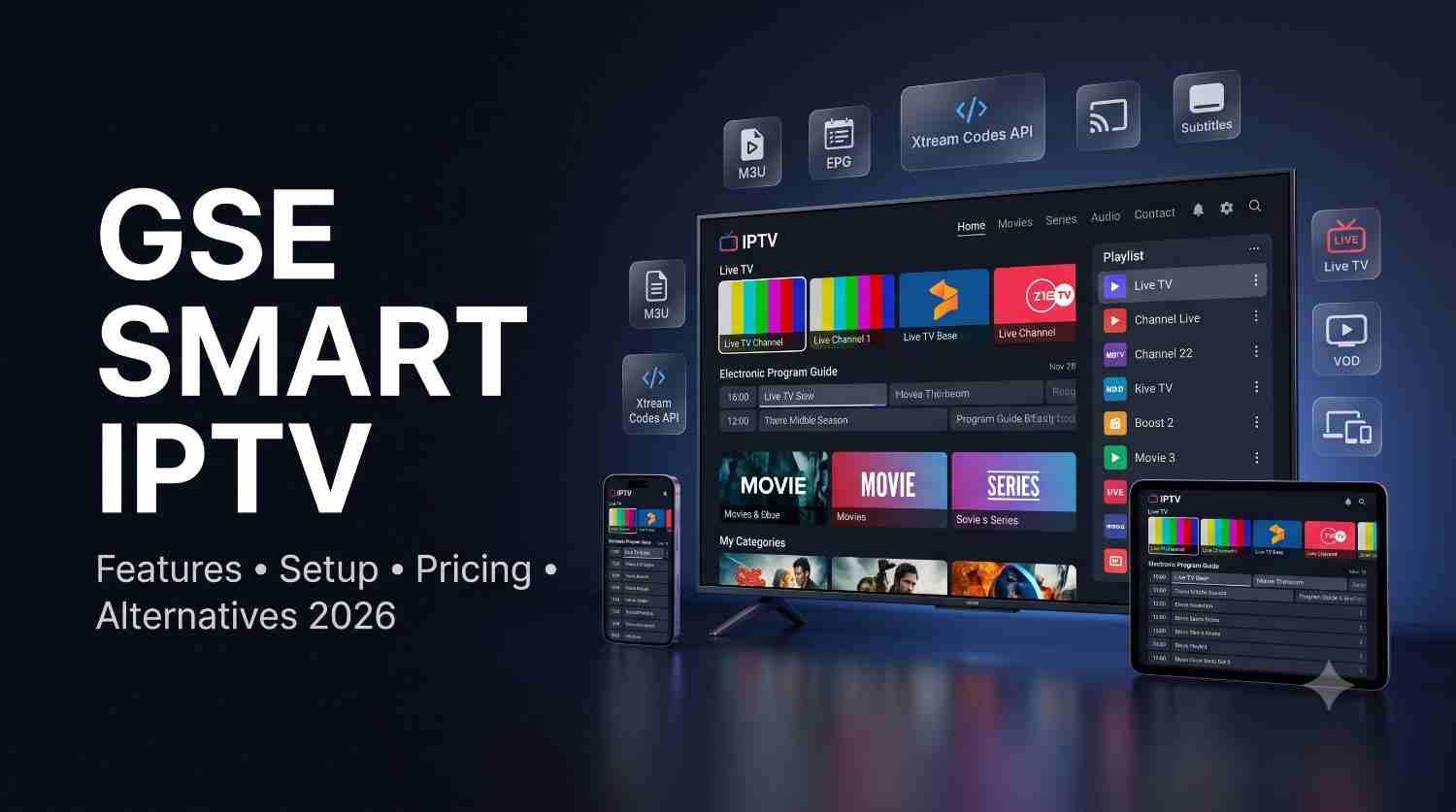
Discover GSE Smart IPTV in 2026: features, pricing, supported formats, setup basics, pros, cons, use cases and the best alternatives.
GSE Smart IPTV: Complete Guide to Features, Pricing, Benefits & Alternatives in 2026
🔥 Check Out GSE Smart IPTV
If you are searching for GSE Smart IPTV, you are probably looking for a flexible IPTV player that can organize live TV, video-on-demand content, playlists, EPG data and other streaming sources in one place.
But there is one important point to understand before choosing it: GSE Smart IPTV is primarily an IPTV player, not an IPTV content provider. The app does not automatically give you a subscription containing TV channels. Instead, you generally need your own compatible and legally obtained playlist or IPTV service credentials. The current Google Play listing specifically says that users must provide their own content.
GSE Smart IPTV has remained interesting because it supports multiple IPTV formats and technologies, including M3U playlists, Xtream Codes API, XMLTV EPG, Chromecast, subtitles and automatic stream reconnection. Its official website presents it as a cross-platform IPTV solution for iOS, Apple TV, Android and macOS.
In this guide, we will examine GSE Smart IPTV, its features, pricing, advantages, disadvantages, use cases, supported formats, alternatives and what users should look for in an IPTV player in 2026.
🔎 Compare IPTV Alternatives
What Is GSE Smart IPTV?
GSE Smart IPTV is an IPTV media-player application designed to play and organize internet-based television streams and other compatible media.
Instead of hosting television channels itself, the application acts as the playback and organization layer between your device and a compatible content source.
How GSE Smart IPTV Works
The basic concept is simple:
- You obtain a legitimate IPTV playlist or service.
- The playlist may use formats such as M3U/M3U8 or compatible Xtream Codes credentials.
- You add the information to GSE Smart IPTV.
- The app organizes available channels and media.
- EPG information can provide a TV-guide-style schedule when supported.
- You watch the content through the app's built-in player.
This makes GSE Smart IPTV different from a traditional cable or satellite provider.
Is GSE Smart IPTV an IPTV Provider?
No.
GSE Smart IPTV should generally be understood as a player/application, not a channel provider.
That distinction is important because:
- The app does not automatically supply premium television channels.
- It does not replace your legitimate content subscription.
- It can process compatible playlists and streaming information.
- You are responsible for ensuring that your content source has the necessary rights.
The Google Play listing explicitly notes that the app does not contain playlists except sample playlists and that users must provide their own content.
Why GSE Smart IPTV Matters in 2026
Streaming habits have changed significantly. Users increasingly want flexibility across devices instead of being locked into a single television ecosystem.
This is where IPTV players become useful.
1. More Flexible Playlist Management
Modern IPTV users may have multiple playlists or sources. A player that supports different playlist formats can make management easier.
GSE Smart IPTV supports:
- M3U playlists
- M3U-related streaming formats
- Xtream Codes API
- XMLTV EPG
- Various streaming protocols
- VOD playlist support through compatible API configurations
The Google Play listing specifically identifies Xtream Codes API, M3U support and XMLTV EPG compatibility.
2. Multi-Device Streaming
The official GSE Smart IPTV website promotes support across:
- iOS
- Apple TV
- Android
- macOS
This cross-platform positioning makes it relevant for households and users who switch between devices.
3. Better IPTV Organization
A good IPTV player should do more than simply play a video.
Useful organization features include:
- Channel lists
- Categories
- Favorites
- EPG information
- VOD organization
- Playlist management
- Search functionality
These features can make a large IPTV library easier to navigate.
Key Benefits of GSE Smart IPTV
1. Multiple Playlist Options
One of the biggest advantages is support for multiple playlist and API formats.
Depending on the version and platform, users can work with:
- M3U
- M3U8
- Xtream Codes API
- XMLTV EPG
- Other supported streaming sources
This flexibility is particularly useful when changing IPTV services or managing multiple legitimate sources.
2. Built-In Media Player
GSE Smart IPTV includes a built-in player capable of handling numerous video formats and streaming protocols.
The Google Play listing mentions support for formats and protocols including HTTP, HLS, M3U8, MMS, RTSP and RTMP.
3. Chromecast Support
Chromecast compatibility allows supported streams to be sent to compatible displays.
This can be useful when:
- Your playlist is on a phone.
- You want to watch on a larger screen.
- Your television supports Chromecast or a compatible receiver.
4. EPG Support
Electronic Program Guide support is one of the most useful IPTV features.
With compatible XMLTV data, an EPG can show:
- Current programs
- Upcoming programs
- Channel schedules
- Program information
This creates a more traditional TV-like experience.
5. Automatic Stream Reconnection
The app advertises automatic live-stream reconnection.
This can be useful when a stream temporarily disconnects because of:
- Network instability
- Server interruptions
- Wi-Fi problems
- Temporary connection drops
However, automatic reconnection cannot fix an unavailable or overloaded IPTV source.
6. Subtitle Support
GSE Smart IPTV supports embedded and external subtitles.
The Google Play listing specifically mentions SRT and several embedded subtitle formats.
7. Parental Controls
Parental-control functionality can help users restrict access to certain content or settings.
This is especially useful in households where multiple people use the same IPTV setup.
8. Multiple Languages
The Android listing states that the application supports dynamic switching among 31 languages.
That makes GSE Smart IPTV more accessible to international users.
GSE Smart IPTV Features
Here are the most important features to consider before choosing GSE Smart IPTV.
IPTV Playlist Support
- M3U playlist support
- M3U8 compatibility
- Playlist management
- Copy-and-paste M3U functionality
- Multiple playlist-related options depending on platform
Xtream Codes Support
- Xtream Codes API support
- Live TV playlist integration
- VOD playlist support
- EPG integration
- Movie information where supplied by the source
EPG
- XMLTV support
- Local XML files
- Remote XML files
- Compressed XML formats
- Program guide information
Playback
- Built-in player
- HTTP streaming
- HLS
- M3U8
- MMS
- RTSP
- RTMP
- RTMP token support
Streaming Convenience
- Automatic reconnection
- Chromecast
- External subtitles
- Embedded subtitles
- Multiple themes
- Language switching
These capabilities are listed in the current Google Play description.
GSE Smart IPTV Supported Devices
GSE Smart IPTV has a relatively broad platform focus.
The official website currently highlights:
- Android
- iOS
- Apple TV
- macOS
Android
Android is one of the major platforms for GSE Smart IPTV.
The current Google Play version is listed as GSE SMART IPTV PRO, developed by droidvision.
iPhone and iPad
GSE Smart IPTV PRO is also available through Apple's App Store.
The current App Store listing identifies iPhone and iPad compatibility and lists features including Chromecast, Xtream Codes API, EPG timeline, AirPlay and parental controls.
Apple TV
Apple TV is supported within the broader GSE Smart IPTV ecosystem promoted by the official website.
Mac
The official website also promotes macOS support, although users should verify compatibility with the specific version available for their device.
How to Use GSE Smart IPTV
Step 1: Install the Correct Application
Download GSE Smart IPTV from a legitimate application store or the developer's official distribution channel.
Avoid random APK websites when an official distribution is available.
Step 2: Obtain a Legitimate IPTV Source
Remember that GSE Smart IPTV does not automatically provide television channels.
You need a compatible source, such as:
- A legitimate IPTV subscription
- Your own M3U playlist
- A legal media server
- A compatible streaming source
Step 3: Add Your Playlist
Depending on the version, you may be able to add:
- M3U URL
- M3U file
- Xtream Codes information
- Other supported playlist formats
Step 4: Configure EPG
If your provider supplies XMLTV EPG information, configure it so that the application can display program schedules.
Step 5: Organize Channels
Use available categories, favorites and playlist-management features to make navigation easier.
Step 6: Test Playback
Test several channels rather than judging the service from a single stream.
Check:
- Picture quality
- Audio synchronization
- Buffering
- EPG accuracy
- Channel loading
- Reconnection performance
Top IPTV Player Tools and Services to Consider
Because GSE Smart IPTV is a player rather than a channel provider, it is more useful to compare it with other IPTV player applications.
1. GSE Smart IPTV
Best for: Cross-platform flexibility and broad format support.
Key strengths:
- M3U support
- Xtream Codes API
- XMLTV EPG
- Chromecast
- Built-in player
- Subtitle support
- Multiple languages
2. TiviMate
Best for: Android TV and large-screen IPTV management.
TiviMate supports M3U, Xtream Codes and Stalker Portal, along with EPG, multiple playlists, favorites, catch-up, recording, search, parental controls and multiview. It is specifically designed around Android TV and remote navigation.
3. Sparkle TV
Best for: Android TV/Google TV/Fire TV users wanting DVR-style functionality.
Sparkle TV supports M3U, Xtream Codes and XMLTV and includes features such as EPG, timeshift, DVR, multiview, VOD and multiple sources, with some features requiring the Plus version.
4. IPTV Smarters Pro
Best for: Users who want live TV, movies and series in an organized interface.
The current App Store listing describes support for Xtream playlists, EPG, Chromecast, recording, VOD, movies and series, with ongoing updates in 2026.
GSE Smart IPTV Comparison
Instead of focusing only on brand names, compare IPTV players based on the features you actually need.
GSE Smart IPTV
- Strong M3U support
- Xtream Codes support
- XMLTV EPG
- Chromecast support
- Broad device positioning
- Built-in media player
- Subtitle support
- Multiple languages
- Good choice for flexible IPTV setups
TiviMate
- Excellent large-screen interface
- Android TV focused
- M3U support
- Xtream Codes support
- Stalker Portal support
- EPG
- Recording
- Catch-up
- Multiview
- Strong option for Android TV users
Sparkle TV
- Android TV focused
- Google TV support
- Fire TV support
- M3U
- Xtream Codes
- XMLTV
- DVR
- Timeshift
- Multiview
- VOD
- Multiple sources
IPTV Smarters Pro
- Live TV
- Movies
- Series
- EPG
- Xtream support
- Chromecast
- Recording
- Search
- Recent improvements in 2026
GSE Smart IPTV Pricing
Pricing can differ by platform, version, country and app edition, so users should always check the current official store listing before purchasing.
Android
The current Google Play listing for GSE SMART IPTV PRO shows a purchase price of US$2.49.
iPhone and iPad
The current App Store listing for GSE SMART IPTV PRO shows a price of US$2.99 for the app.
There is also a separate GSE Smart IPTV Player application on the App Store with premium in-app purchases. The current listing shows options including:
- 1 month: US$4.99
- 3 months: US$7.99
- 12 months: US$14.99
- Lifetime: US$29.99
Important: These are app prices, not IPTV channel-subscription prices. Purchasing the player does not automatically provide television channels.
GSE Smart IPTV Use Cases
For Learners
Students and learners can use an IPTV player to organize legitimate educational, news or international streaming sources.
Useful features include:
- Simple playlist organization
- EPG information
- Multiple languages
- Subtitles
- Cross-device playback
For Freelancers
Freelancers often work across multiple devices.
GSE Smart IPTV can be useful when someone wants:
- Mobile streaming
- Desktop playback
- External display support
- Organized playlists
- Flexible media playback
For Startups
A startup may use IPTV players for legitimate internal or hospitality-related streaming scenarios.
Examples include:
- Office displays
- Waiting areas
- Digital signage environments
- Hospitality entertainment
- Internal media testing
Always ensure the content being displayed is properly licensed for the intended use.
For Small Businesses
Small businesses may benefit from:
- Centralized playlist organization
- Larger-screen viewing
- EPG-based navigation
- Chromecast support
- Multi-language functionality
Again, commercial public display rights may differ from ordinary personal viewing rights.
Best For: Who Should Choose GSE Smart IPTV?
Best for Flexible IPTV Users
GSE Smart IPTV is particularly attractive if you want an application that supports several playlist and streaming formats.
Best for Multi-Device Users
The official ecosystem covers Android, iOS, Apple TV and macOS, making it interesting for people who use different platforms.
Best for M3U Users
If your legitimate IPTV service supplies an M3U playlist, GSE Smart IPTV can be a practical player option.
Best for International Users
Its multilingual capabilities make it appealing to international audiences.
Not Ideal for Users Expecting Free Channels
If you expect the app itself to provide premium TV channels, GSE Smart IPTV is not the right expectation.
It is primarily a player.
Pros and Cons of GSE Smart IPTV
Pros
- Supports M3U playlists
- Supports Xtream Codes API
- Supports XMLTV EPG
- Chromecast support
- Built-in media player
- Subtitle support
- Automatic stream reconnection
- Multiple language options
- Multiple themes
- Parental controls
- Cross-platform positioning
- Useful for users who already have legitimate IPTV sources
Cons
- Does not provide television channels by itself
- Experience depends heavily on the quality of your IPTV source
- Features can differ between platforms
- Pricing differs between app versions and stores
- Some users may prefer more modern TV-focused interfaces
- IPTV beginners may need help understanding M3U, Xtream Codes and EPG
- App-store listings and product versions can change over time
Best GSE Smart IPTV Alternatives
TiviMate — Best for Android TV
TiviMate is a strong alternative if your primary device is Android TV.
It provides:
- EPG
- Multiple playlists
- Favorites
- Catch-up
- Recording
- Search
- Parental controls
- Multiview
The developer explicitly describes it as an Android TV-focused media player.
Sparkle TV — Best for DVR Features
Sparkle TV is worth considering if recording, timeshift and multiview are important.
Its feature set includes:
- DVR
- Timeshift
- EPG
- VOD
- Multiview
- Multiple sources
- M3U
- Xtream Codes
- XMLTV
IPTV Smarters Pro — Best for Live TV + VOD
IPTV Smarters Pro is another option for users who want a combined live-TV, movies and series experience.
Its current App Store listing shows continuing feature development during 2026.
What to Look for in an IPTV Player in 2026
Choosing an IPTV player should not be based only on the number of channels advertised by a third-party website.
Instead, check the application itself.
Playlist Compatibility
Look for:
- M3U
- M3U8
- Xtream Codes
- XMLTV
- Other formats you actually need
EPG Quality
A good EPG should:
- Load quickly
- Match channels correctly
- Show current programs
- Display upcoming programs
- Support reliable guide data
Playback Stability
Check:
- Buffering
- Reconnection
- Audio synchronization
- Video quality
- Codec compatibility
Device Compatibility
Confirm whether the application supports your:
- Smartphone
- Tablet
- Smart TV
- Android TV
- Apple TV
- Computer
- Streaming device
Privacy and Security
Only use trustworthy applications and legitimate IPTV sources.
Avoid:
- Unknown APK downloads
- Suspicious playlist URLs
- Unverified payment pages
- Services promising unrealistic channel packages
- Requests for unnecessary personal information
Future Trends for IPTV Players
The IPTV-player market is likely to continue evolving in several areas.
AI-Powered Search
Future IPTV applications may increasingly use AI-assisted search to understand natural-language requests such as finding a particular program, genre or channel.
Better EPG Discovery
EPG systems are likely to become more interactive, searchable and personalized.
Improved Multi-Device Synchronization
Users increasingly expect their preferences to follow them across compatible devices.
Potential areas include:
- Favorites synchronization
- Watch history
- Playlist management
- Personalized recommendations
More Advanced Playback
Players will continue improving:
- 4K playback
- HDR support
- Adaptive streaming
- Automatic frame-rate handling
- Subtitle controls
Privacy-Focused Streaming
As consumers become more aware of tracking and data collection, privacy will become an increasingly important factor when selecting media applications.
Is GSE Smart IPTV Worth It in 2026?
For users who already have a legitimate IPTV source and want a flexible player, GSE Smart IPTV remains a relevant option.
Its strongest advantages are its support for several IPTV formats, EPG capabilities, built-in playback, Chromecast support, subtitles, language options and cross-platform positioning.
However, it is important to understand what you are actually buying.
GSE Smart IPTV is not a replacement for an IPTV content provider.
If your main requirement is:
- Cross-platform flexibility → GSE Smart IPTV can be attractive.
- Android TV customization → TiviMate may be stronger.
- DVR and timeshift → Sparkle TV may be worth considering.
- Live TV, movies and series organization → IPTV Smarters Pro may be a good alternative.
The best option ultimately depends on your device, playlist format and required features.
GSE Smart IPTV FAQs
What is GSE Smart IPTV?
GSE Smart IPTV is an IPTV media-player application used to organize and play compatible internet television streams and playlists. It does not itself provide a television-channel subscription.
Is GSE Smart IPTV free?
Pricing depends on the version and platform. The current Google Play listing for GSE SMART IPTV PRO shows US$2.49, while the iOS GSE SMART IPTV PRO listing shows US$2.99.
Does GSE Smart IPTV provide channels?
No. The application is a player. The current Google Play listing says users must provide their own content and that the app does not include playlists apart from samples.
Does GSE Smart IPTV support M3U?
Yes. M3U playlist support is one of its major IPTV capabilities.
Does GSE Smart IPTV support Xtream Codes?
Yes. The current Android listing explicitly includes Xtream Codes API support.
Does GSE Smart IPTV support EPG?
Yes. It supports EPG through XMLTV formats, including local and remote files according to its Google Play listing.
Does GSE Smart IPTV support Chromecast?
Yes. Chromecast support is listed for GSE SMART IPTV PRO.
Does GSE Smart IPTV support subtitles?
Yes. The application supports embedded and external subtitle formats, including SRT.
Can I use GSE Smart IPTV on Apple devices?
Yes. GSE's official website promotes support for iOS and Apple TV, while the App Store lists iPhone and iPad support for GSE SMART IPTV PRO.
Is GSE Smart IPTV better than TiviMate?
It depends on your device and requirements. GSE has broad platform and format support, while TiviMate is specifically optimized for Android TV and offers features such as recording, catch-up and multiview.
Is GSE Smart IPTV better than Sparkle TV?
Neither is universally better. Sparkle TV can be attractive for Android TV/Google TV/Fire TV users who prioritize DVR, timeshift and multiview, while GSE offers broad playlist and platform support.
Does buying GSE Smart IPTV include an IPTV subscription?
No. Buying the application and obtaining access to television content are separate matters. The app's current Google Play description explicitly states that users provide their own content.
Is GSE Smart IPTV good for beginners?
It can be, particularly if your IPTV provider gives clear M3U or Xtream Codes setup instructions. Beginners may still need to understand basic terms such as playlist, EPG and Xtream Codes.
What is the best GSE Smart IPTV alternative in 2026?
There is no single best alternative for everyone. TiviMate is particularly suited to Android TV, Sparkle TV is strong for DVR-oriented setups, and IPTV Smarters Pro offers an organized live-TV/VOD experience.
Final Verdict
GSE Smart IPTV is a flexible IPTV player rather than an IPTV provider. Its combination of M3U, Xtream Codes, XMLTV EPG, Chromecast, subtitles, automatic reconnection and multi-platform support makes it worth considering in 2026.
For the best experience, choose a reputable player, use legitimate content sources, verify device compatibility and compare the features that actually matter to your viewing setup.

 English
 Arabic
 French
 Spanish
 Portuguese
 Deutsch
 Turkish
 Dutch
Dutch
 Italiano
 Russian
 Romaian
 Greek
Greek
