


IPTV Stream Brings Live Channels Beyond the Cable Lineup
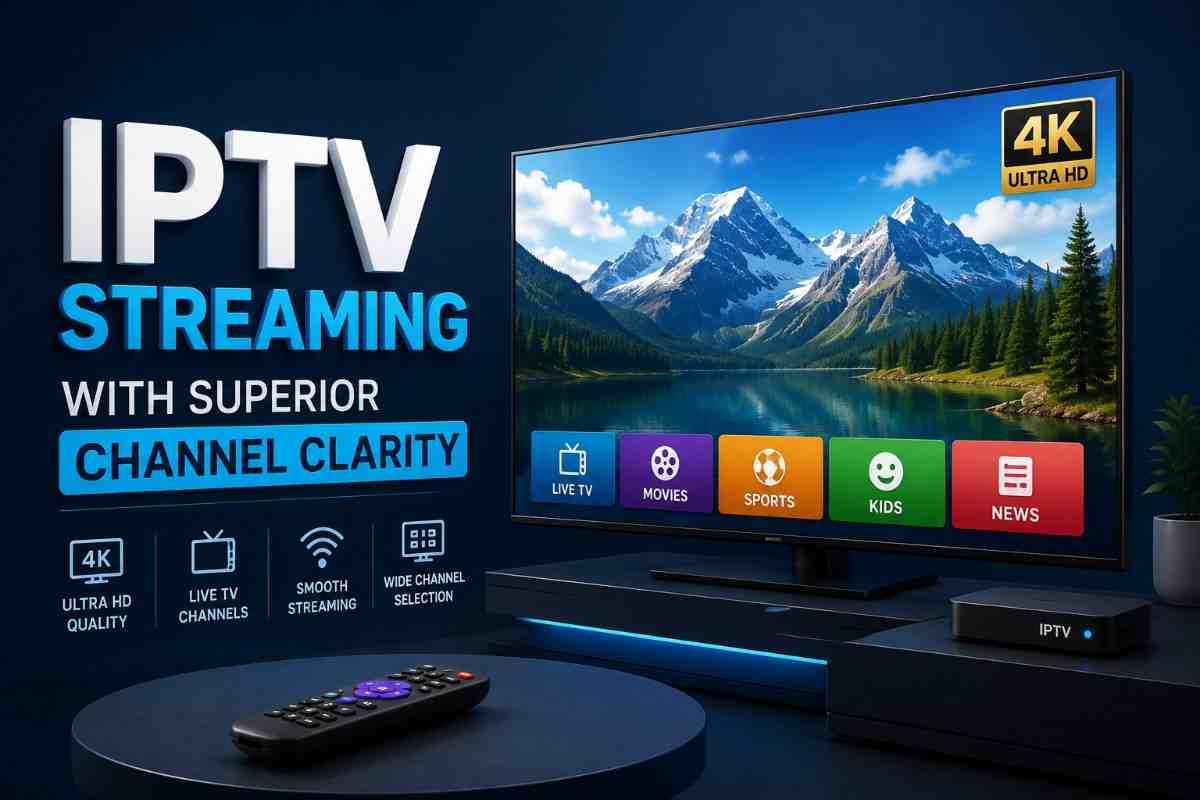
Examine the role of IPTV streams in live television, from channel delivery and playback to device compatibility and connection quality.
IPTV Stream Brings Live Channels Beyond the Cable Lineup
Traditional television once revolved around a fixed idea: choose a cable or satellite package, connect the required equipment, and watch the channels included in that lineup.
An IPTV stream takes a different route.
Instead of delivering television through a conventional cable or satellite broadcast path, IPTV uses internet protocol networks to transmit video. The result can feel familiar to anyone who has used live-streaming services, but the underlying delivery method is different.
Ofcom describes IPTV as television channels delivered through the internet, including channels that can be accessed through connected TVs.
That distinction matters because IPTV is not a single channel package or a single application. It is a method of delivering television content. A legitimate IPTV service might provide live news, sports, entertainment, local programming, international channels, or other scheduled broadcasts, depending on its licensing and distribution arrangements.
For viewers, the real question is not simply whether IPTV exists. It is whether a particular service offers the channels they want, works reliably on their devices, provides appropriate picture quality, and has the rights necessary to distribute its content.
📡 See IPTV in Action
What Is an IPTV Stream?
An IPTV stream is a continuous flow of television video delivered using internet-based networking.
With conventional broadcast television, programming may reach viewers through terrestrial transmission, cable infrastructure, or satellite. IPTV instead uses IP networks to transport the video from a provider toward the viewer's connected device.
The basic journey looks like this:
Content provider → IPTV platform → Internet connection → IPTV application or device → Television screen
The viewer does not necessarily need a specialized television. Depending on the service, IPTV may work through a smart TV application, streaming box, computer, smartphone, tablet, or another compatible player.
The important distinction is that IPTV describes the delivery technology, not whether the content itself is authorized.
A professionally operated IPTV service can be perfectly legitimate. On the other hand, a website advertising thousands of premium channels for an unusually low price may raise questions about where its programming comes from.
That is why the technology and the service should be evaluated separately.
🎯 Match IPTV to Your Needs
How IPTV Live Channel Streaming Works
An IPTV live channel generally behaves differently from an ordinary on-demand video.
With an on-demand service, you select a movie or episode and the system delivers that specific program.
A live IPTV channel is scheduled continuously. When you join the stream, you typically enter the program at whatever point the channel is currently broadcasting.
Ofcom uses the term "linear" internet television for services streamed continuously, distinguishing them from on-demand services where viewers choose content at their convenience.
A simplified IPTV live channel streaming process involves several stages.
1. Programming is prepared
A broadcaster or content owner creates the television feed.
This could be a news channel, sports network, entertainment station, regional broadcaster, or another type of programming service.
2. The feed enters the distribution system
The provider processes the video so it can be transmitted through an IP network.
Modern streaming systems may create multiple versions of the same video at different quality levels. This can help a compatible player adjust playback when network conditions change.
3. The stream travels through the internet
The video data moves across networks toward the viewer.
This is where the viewer's connection becomes important. Congestion, unstable Wi-Fi, latency, routing problems, or insufficient bandwidth can affect playback.
4. The player receives and buffers the stream
The IPTV application or compatible device receives incoming video data.
A small amount may be buffered before playback continues. Buffering gives the player some protection against short network interruptions.
5. The viewer watches the channel
Once playback begins, the experience resembles other forms of live television.
The major difference is the delivery route.
IPTV Is More Than an App
One common misunderstanding is treating IPTV as though it were a single application.
It isn't.
IPTV is a delivery approach, while an IPTV application or player is a tool used to access compatible streams.
This distinction becomes particularly important when someone encounters terms such as:
- IPTV player
- IPTV provider
- IPTV playlist
- M3U playlist
- Live channel stream
- EPG
- Smart TV IPTV app
These terms can describe different parts of the viewing setup.
For example, a player may provide the interface for organizing channels, while the actual television streams come from a separate provider.
That means installing an IPTV player does not automatically provide legal access to premium television channels.
What You Need for an IPTV Live TV Setup
An IPTV live TV setup can be relatively straightforward, but the exact requirements depend on the service.
At a basic level, you generally need four components.
A stable internet connection
Because the television feed is delivered through the internet, connection quality matters.
A fast connection can help, but raw speed is not the only factor.
Consistency is equally important.
A connection that repeatedly drops packets or experiences large fluctuations may produce interruptions even when a speed test reports a high download rate.
A compatible viewing device
Depending on the provider, this might be:
- Smart TV
- Streaming device
- TV box
- Computer
- Smartphone
- Tablet
- Supported web browser
Compatibility should be confirmed before purchasing a subscription.
An IPTV application or supported player
Some providers supply their own application.
Others may provide access credentials or playlist information that works with compatible third-party software.
The safest approach is to follow the provider's official setup instructions rather than downloading unknown applications from random websites.
A legitimate content source
This is the part that should never be overlooked.
The technical ability to play a stream does not establish that the distributor has permission to provide the content.
A responsible IPTV setup begins with a provider whose programming and distribution rights are clear.
IPTV Channel Streaming Guide: What Actually Affects Quality?
Two IPTV services can advertise similar channel selections while delivering very different viewing experiences.
Several factors influence performance.
Internet stability
Temporary network problems can cause buffering, freezing, or sudden reductions in picture quality.
A wired Ethernet connection can sometimes provide more consistent performance than congested Wi-Fi, particularly when the viewing device is far from the router.
Server and network capacity
The viewer's connection is only one part of the system.
The provider's infrastructure also matters.
If a service has poorly managed infrastructure or insufficient capacity during busy periods, viewers may experience problems even when their own internet connection is working normally.
Video resolution
Higher-resolution streams contain more visual information and can require more network capacity.
However, resolution should not be considered in isolation.
A stable 1080p stream can provide a better experience than an unstable higher-resolution stream.
Device performance
Older or underpowered hardware may struggle with certain video formats or high-resolution streams.
Software compatibility also matters.
Wi-Fi conditions
Interference, distance from the router, crowded wireless channels, and simultaneous household traffic can all affect wireless performance.
For a television that remains in one location, Ethernet can be worth considering if practical.
The Channel Count Trap
One of the easiest mistakes when evaluating IPTV is focusing almost entirely on the number of channels.
A service advertising an enormous channel count may sound attractive, but the number alone tells you very little.
Instead, ask:
- Are the channels actually relevant to you?
- Are the channels licensed or otherwise legitimately distributed?
- Are regional channels available where you live?
- Are sports broadcasts subject to geographic restrictions?
- Is the program guide accurate?
- How frequently does the provider update its lineup?
- Are streams consistently available?
- What devices are officially supported?
A smaller, well-organized lineup can be considerably more useful than thousands of channels that you never watch.
IPTV Stream vs Cable: The Practical Difference
The biggest difference is not necessarily the television content itself. It is the delivery model.
| Factor | IPTV Stream | Traditional Cable |
|---|---|---|
| Delivery | Internet connection | Cable infrastructure |
| Main equipment | Varies by service | Provider equipment often used |
| Channel organization | Can be app-based | Usually provider-defined |
| Internet dependency | Yes | Depends on service |
| Device flexibility | Often broad | Usually tied more closely to provider equipment |
| Experience | Software-driven | Traditional TV interface |
| Availability | Depends on service and internet access | Depends on cable network coverage |
Neither approach is automatically better for everyone.
A household with reliable broadband and a preference for app-based television may appreciate IPTV's flexibility.
Someone who wants a conventional television package with provider-managed equipment may prefer cable.
The Legal Side of IPTV Deserves Attention
The phrase "IPTV" is sometimes associated with questionable streaming services, but the technology itself is not inherently illegal.
The critical issue is authorization.
For example, Canadian copyright law gives rights holders exclusive rights over activities such as reproduction and communication of copyrighted works, while unauthorized use can constitute infringement.
The UK also distinguishes between different forms of internet-delivered television and applies regulatory frameworks to qualifying services. Ofcom notes that IPTV channels delivered over the internet can fall outside certain broadcast rules depending on how and where they are offered.
For consumers, the practical lesson is simple:
Do not assume a service is legitimate simply because its application works.
Look for information about the provider, its business identity, content licensing, terms of service, payment practices, and customer support.
Be particularly cautious when a service promises premium channels, major sporting events, movies, and international television for an implausibly low price without explaining its rights.
Warning Signs of an IPTV Service You Should Avoid
No single warning sign proves that a service is unauthorized, but several together should make you cautious.
1. Unrealistic channel promises
"Everything from everywhere" at an extremely low price is worth questioning.
2. No clear company information
A legitimate business should generally provide identifiable information about who operates the service.
3. Payment through unusual methods
Be cautious when a provider refuses normal payment methods and pushes users toward difficult-to-reverse payments.
4. No meaningful terms or refund information
Before paying, check cancellation, refund, subscription, and renewal conditions.
5. Constantly changing websites
Frequent domain changes and disappearing support channels can make accountability difficult.
6. Claims that sound too good to be true
Guaranteed access to every premium channel or sporting event should not automatically be accepted at face value.
How to Choose an IPTV Service Without Guesswork
Rather than starting with channel count, evaluate the service in a logical order.
Check the content first
Write down the channels and types of programming you actually watch.
For example:
- Local news
- International news
- Sports
- Children's programming
- Entertainment
- Regional channels
- Documentary programming
Then determine whether the service legitimately offers those categories.
Check device compatibility
Confirm support for the exact device you intend to use.
Do not assume that compatibility with one smart TV brand means compatibility with every television.
Review subscription conditions
Look for:
- Billing frequency
- Automatic renewal
- Cancellation procedure
- Refund policy
- Trial terms
- Supported payment methods
Assess stream quality
Look for clear information about supported resolutions and playback requirements.
If a provider offers a trial, use it to test the channels you care about rather than judging the service from a single stream.
Examine customer support
A provider that expects customers to troubleshoot technical problems should offer a practical support route.
Clear documentation is another positive sign.
Common IPTV Setup Mistakes
Even a legitimate service can perform badly if the setup is poorly configured.
Using weak Wi-Fi
A television at the edge of a home's wireless range may experience interruptions.
Installing unofficial applications
Random APK files and unknown applications can create security and privacy concerns.
Use the provider's official instructions and trusted application stores whenever possible.
Assuming more speed fixes every problem
A faster internet plan does not automatically resolve problems caused by weak Wi-Fi, overloaded infrastructure, incompatible hardware, or provider-side issues.
Ignoring device limitations
An older television or streaming device may not support every codec, application, or resolution.
Paying before checking compatibility
Confirm the service works with your intended setup before committing to a long subscription.
Is IPTV Right for Everyone?
IPTV can make sense for viewers who want internet-delivered television and already have reliable broadband.
It may be particularly appealing to people who:
- Prefer watching television through connected devices
- Want a software-based viewing experience
- Travel between locations where their service permits access
- Want channels delivered through an internet connection
- Prefer organizing television through applications rather than traditional hardware
It may be less suitable for someone with unreliable internet access or limited interest in managing apps and connected devices.
The technology does not eliminate the need for a dependable network.
IPTV and International Viewing
Internet-based television can be particularly useful for audiences interested in programming from different regions.
However, international availability does not mean every channel is universally accessible.
Broadcasting rights can vary by territory. A channel available in one country may not have the same distribution rights elsewhere.
Geographic restrictions can therefore affect what a viewer can legitimately access.
This is one reason a good IPTV channel streaming guide should focus on availability and authorization rather than simply promising access to every possible channel.
A Better Way to Think About IPTV
The most useful way to evaluate IPTV is to stop thinking of it as a magic replacement for cable.
Instead, think of it as an internet-based television delivery model.
Its value depends on several pieces working together:
Good content + legitimate distribution + reliable infrastructure + compatible hardware + stable internet = a better IPTV experience
Remove one of those elements and the experience can change considerably.
A beautifully designed application cannot compensate for unreliable streams.
A fast internet connection cannot make unauthorized content legitimate.
A huge channel list does not guarantee useful programming.
And expensive hardware does not guarantee a better service.
The strongest setup is the one that fits the viewer's actual needs.
Frequently Asked Questions
What does IPTV stream mean?
An IPTV stream is television video delivered through an internet protocol network rather than through a conventional broadcast, cable, or satellite delivery method.
Does IPTV require internet?
Yes. IPTV relies on IP-based network connectivity to deliver its streams. A stable internet connection is therefore an important part of the viewing experience.
Can I watch IPTV on a smart TV?
Potentially. Compatibility depends on the television, IPTV application, and provider. Some services support smart TV apps, while others may require a compatible external streaming device.
Is IPTV the same as Netflix?
No. IPTV describes a method of delivering television over IP networks. Netflix is a specific streaming service focused primarily on on-demand content. IPTV can include continuously scheduled live channels.
Is every IPTV service legal?
No. IPTV technology itself is not inherently illegal, but individual services may differ in whether they have the necessary rights to distribute their programming. Consumers should investigate the provider and its content authorization.
Why does my IPTV stream keep buffering?
Possible causes include unstable internet, weak Wi-Fi, network congestion, device limitations, or problems with the provider's streaming infrastructure. Testing another network or using Ethernet can help identify whether the local connection is involved.
Does IPTV provide more channels than cable?
Not necessarily. Some IPTV services may offer broad channel selections, while others focus on specific networks or regions. Channel quantity should not be the primary measure of service quality.
What should I check before paying for an IPTV service?
Check the provider's identity, channel availability, device compatibility, subscription terms, cancellation and refund policies, payment methods, customer support, and whether the provider appears authorized to distribute its programming.
Conclusion
An IPTV stream changes the route television takes to reach the viewer. Instead of relying exclusively on traditional cable or satellite delivery, IPTV uses internet-based networks to transmit live television.
That can create a flexible viewing environment across compatible televisions, streaming devices, computers, and mobile hardware.
But flexibility should not be confused with guaranteed quality.
A worthwhile IPTV setup depends on more than channel numbers. Connection stability, device compatibility, stream performance, provider infrastructure, customer support, subscription terms, and—most importantly—the legitimacy of the content all deserve attention.
For viewers considering IPTV, the smartest approach is straightforward: evaluate the service behind the stream, not just the stream itself.

 English
 Arabic
 French
 Spanish
 Portuguese
 Deutsch
 Turkish
 Italiano
 Russian
 Romaian
 Portuguese (Brazil)
 Greek
Greek
