


QuickBooks Online Integration: Native Connectors vs Custom Integrations
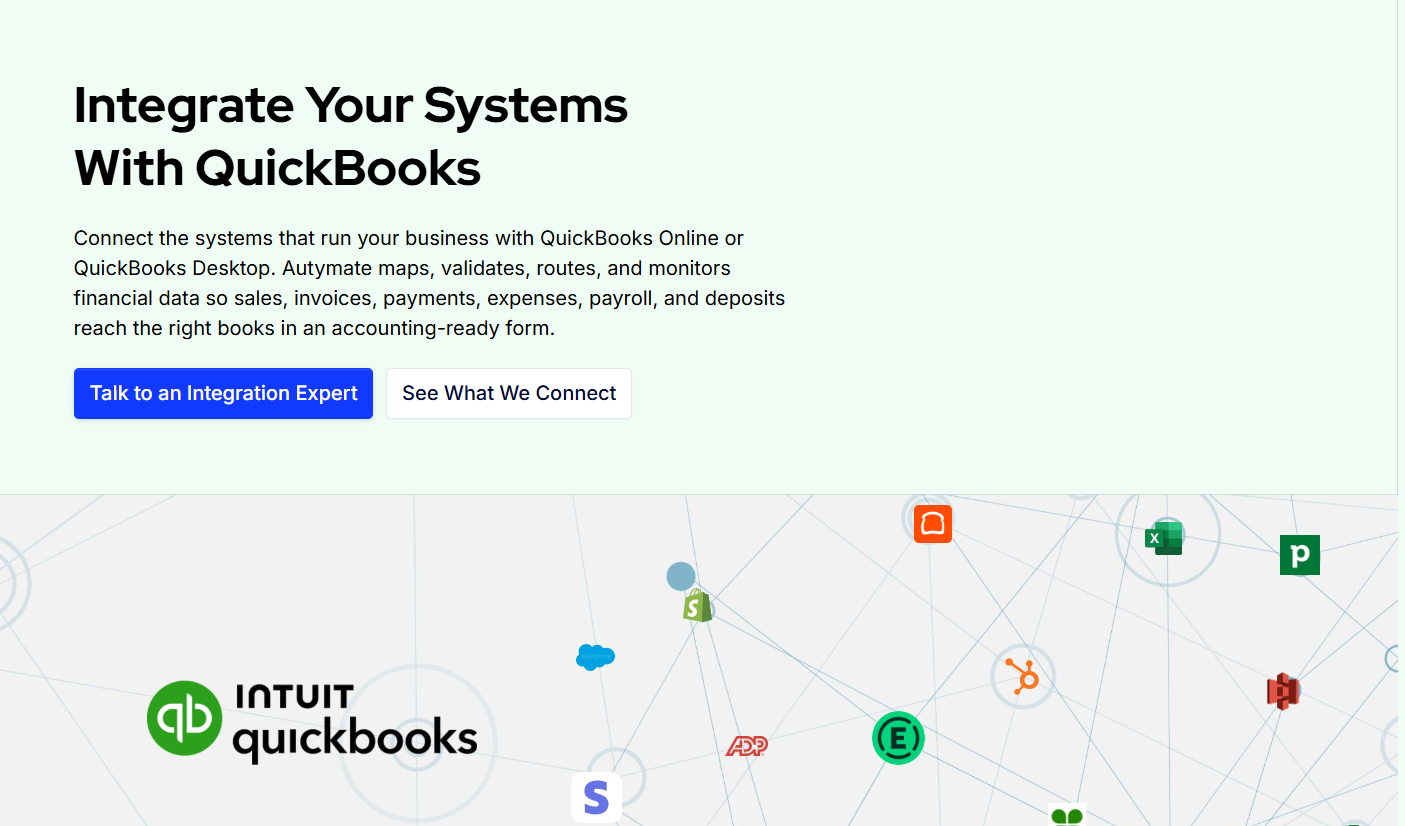
QuickBooks Online is often the financial system at the center of a business, but it rarely works alone.
Sales may happen in a POS system, orders may originate in an ecommerce platform, customer information may live in a CRM, payroll may be processed somewhere else, and payments may pass through multiple providers before the money reaches the bank.
Connecting those systems with QuickBooks can reduce the manual work required to keep accounting current. The question is not simply whether to integrate QuickBooks Online, but how the integration should be built.
For many businesses, a native or prebuilt connector is enough. For others, the workflow eventually becomes too complex for a standard connection, and a custom integration becomes the better option.
Understanding the difference can help you avoid both unnecessary development and a connector that cannot support your accounting requirements.
What Is a Native QuickBooks Online Connector?
A native or prebuilt connector is an integration that has already been designed to connect QuickBooks Online with another application.
Instead of developing the entire connection from the beginning, businesses configure an existing integration and select from the options it provides.
For a relatively straightforward workflow, this can be an excellent solution.
Consider a company that operates one ecommerce store, uses one QuickBooks Online company, has standard accounting rules, and simply needs approved sales information transferred into accounting.
If a prebuilt connector already supports the required records and mappings, building a custom integration may add unnecessary cost and complexity.
The main advantage of a native connector is speed.
Because much of the technical work has already been completed, implementation may primarily involve authentication, configuration, mapping, and testing.
But convenience comes with an important limitation: the business usually has to operate within the capabilities designed into the connector.
What Is a Custom QuickBooks Online Integration?
A custom QuickBooks Online integration is designed around a specific business workflow rather than the configuration options provided by a standard connector.
Instead of asking, “What can this connector do?” the process begins with a different question:
What accounting result does the business need?
The integration can then be designed around the available source-system access, QuickBooks requirements, approved mappings, business rules, validations, routing logic, and monitoring requirements.
Autymate's QuickBooks Online integration framework follows this approach. It can connect approved activity from POS, ecommerce, CRM, payroll, payments, expenses, databases, and custom systems with QBO while applying mapping, validation, routing, and monitoring rules before financial records reach the appropriate QuickBooks company.
Custom does not necessarily mean building everything from scratch. Existing APIs, authentication methods, integration infrastructure, and reusable components may still be used.
The difference is that the workflow is designed around the business requirement instead of forcing the business requirement into a fixed template.
When Native Connectors Work Best
Businesses should not choose custom integration simply because it sounds more powerful.
The simplest solution that reliably achieves the accounting outcome is often the better solution.
A native or marketplace connector may be enough when you have one source platform, one QuickBooks Online company, standard transaction types, straightforward account mappings, predictable volume, and limited requirements for custom validation or exception handling.
For example, a smaller ecommerce business may only need approved sales activity transferred from its storefront into QuickBooks.
If the available connector correctly handles the required orders, taxes, refunds, payments, and accounting records, there may be little reason to replace it.
Native connectors can also be useful during the early stages of a business when operational processes are still relatively simple.
The important point is to evaluate the accounting result rather than the feature list.
If finance can reconcile the books, exceptions are visible, and the integration reliably supports the required workflow, the connector is doing its job.
Where Native Connectors Can Become Limiting
Problems usually appear as the business becomes more complex.
A standard connector has to serve many customers, so it is typically built around common workflows. Your company's accounting requirements may eventually move beyond those assumptions.
Imagine an ecommerce business that begins with one store but later adds several brands, multiple payment processors, physical locations, wholesale sales, and several QuickBooks companies.
The integration may now need to determine which company receives each transaction, how products map across businesses, how sales channels are classified, how fees are recorded, and how settlements reconcile with bank deposits.
A prebuilt connector may support parts of that process while leaving finance responsible for the exceptions.
That can produce an uncomfortable situation where the business technically has an integration but still relies on spreadsheets to finish the accounting.
Another common issue is data granularity.
A connector may send every individual transaction when finance wants daily summarized entries, or it may summarize activity when the business requires customer-level detail.
Neither approach is universally correct.
Autymate's QBO integration guidance specifically recommends defining the required level of detail before implementation. Daily summaries can keep the ledger more manageable, while transaction-level records may be necessary for customer balances or detailed audit requirements.
When a Custom QuickBooks Online Integration Makes Sense
Custom integration becomes more valuable when business rules start driving the accounting workflow.
Consider payment reconciliation.
A payment processor may collect $50,000 from customers but deposit less because of refunds, fees, chargebacks, or other adjustments.
A basic integration that records only the final deposit does not necessarily give accounting enough information to explain the settlement.
A more controlled workflow can keep gross collections, refunds, fees, chargebacks, and net payouts distinguishable so finance can reconcile the activity more effectively. Autymate's QBO integration framework includes this type of settlement-oriented payment workflow.
Custom integration can also be useful when the source system is not a mainstream SaaS platform.
A company may need to connect QuickBooks Online with an internal database, proprietary application, scheduled CSV process, Excel-based workflow, or industry-specific software.
If the source data can be accessed reliably, it may be transformed and validated before becoming a supported QuickBooks record.
Other common triggers for custom integration include complex account mappings, several source systems, high transaction volumes, custom approval rules, multiple companies, specialized reporting dimensions, or a need for stronger exception monitoring.
Native vs Custom Is Also a Monitoring Decision
Integration discussions often focus heavily on data movement and not enough on what happens after launch.
That is a mistake.
An integration that worked correctly yesterday may encounter a new problem tomorrow.
An account might become inactive. A new product category may appear without a mapping. Authorization can expire. A required field might suddenly be missing. A source platform can change its data structure.
The integration needs a way to surface those problems.
This is particularly important for multi-location organizations.
Suppose 40 locations normally send daily accounting activity. Thirty-nine locations send data successfully today, while one sends nothing.
There may be no failed transaction because no transaction was received.
Without expected-data monitoring, the absence of data can look like success.
Autymate's multi-company QuickBooks architecture addresses this by combining shared workflow templates with company-specific configuration and expected-data monitoring. It also supports repeatable onboarding as additional QuickBooks companies are introduced.
For organizations operating at this scale, monitoring and recoverability can become just as important as the original connection.
A Practical Example: Ecommerce to QuickBooks Online
An ecommerce workflow illustrates the difference clearly.
Suppose an online business receives orders through its ecommerce platform.
Each order can contain products, shipping charges, discounts, tax, and payment information. Refunds can occur later, while marketplace or payment fees may affect the eventual settlement.
A standard connector may work perfectly if those transactions follow predictable rules.
But suppose the company later adds multiple stores, different QuickBooks companies, several payment providers, special product mappings, and different accounting treatment by brand.
The workflow now needs more than simple synchronization.
It needs routing, transformation, financial mapping, validation, settlement logic, and exception handling.
Autymate's QBO framework already treats ecommerce orders, customers, payments, refunds, taxes, shipping, and marketplace fees as distinct components that may need to become appropriate accounting records.
That is typically the point where a custom or managed integration begins delivering more value.
How to Choose Between Native and Custom Integration
The decision should begin with your accounting requirements, not your preferred technology.
Before selecting an integration approach, document the systems involved, the financial records QuickBooks should receive, the level of detail finance requires, how transactions should be mapped, how settlements will be reconciled, and how failures should be handled.
Then evaluate whether an existing connector can satisfy those requirements.
If it can, use it.
There is little value in building custom software simply for the sake of customization.
If the connector leaves significant gaps that require manual accounting work, custom logic, spreadsheet reconciliation, or repeated exception handling, then a custom integration becomes easier to justify.
The objective is not to build the most sophisticated architecture.
It is to create the most reliable accounting workflow.
Already Using a Connector but Still Doing Manual Work?
A useful sign that your current integration may no longer fit is when finance has created manual processes around it.
If employees regularly export reports, fix mappings, rebuild deposits, correct duplicate transactions, or manually route data between QuickBooks companies, the connector may only be solving part of the workflow.
Autymate can help evaluate the systems involved and determine whether the existing integration can be improved or whether a more controlled QBO workflow is required.
Final Thoughts
Both native connectors and custom integrations have an important role in QuickBooks Online automation.
Native connectors are often the right choice for straightforward workflows because they can be faster to implement and easier to maintain.
Custom integrations become more valuable when the business needs specialized accounting logic, complex settlement handling, multiple companies, unusual source systems, detailed validation, or stronger monitoring.
The key is not choosing custom over native.
The key is knowing when the complexity of your accounting workflow has outgrown the limitations of a standard connector.
A good QuickBooks Online integration should ultimately make financial data more reliable, not simply move it faster.
If your current connection still leaves your accounting team responsible for significant manual cleanup, reconciliation, or exception handling, it may be time to rethink the integration architecture.

 English
 Arabic
 French
 Portuguese
 Deutsch
 Turkish
 Dutch
Dutch
 Italiano
 Russian
 Romaian
 Portuguese (Brazil)
 Greek
Greek
