


Too Many Mailboxes? Here’s a Smarter Way to Manage Office 365 Backup
Introduction: When Office 365 Backup Becomes an Administrative Challenge
Microsoft 365 has made business communication easier, but managing the growing amount of data inside multiple mailboxes can become a serious administrative challenge. A small organization may only have a few user accounts, while a larger business can manage hundreds of user mailboxes, shared mailboxes, archive mailboxes, and public folders.
As mailbox data continues to grow, administrators need an organized way to create backup copies and manage them efficiently. The challenge is no longer simply “How do I back up one mailbox?” The real question is how to manage many Office 365 mailboxes without turning backup operations into a repetitive and time-consuming process.
This is where a well-planned Office 365 backup strategy becomes important.
Why Managing Multiple Mailboxes Requires a Better Backup Approach
Every mailbox can contain valuable business information. Emails often include customer conversations, contracts, invoices, project discussions, and important attachments. Archive mailboxes may contain years of historical communication, while shared mailboxes and public folders can hold information accessed by multiple teams.
When this data is spread across numerous accounts, administrators need visibility and control. They may want to process specific mailboxes, back up selected folders, manage recurring jobs, or save data in different formats for archiving purposes.
A reliable Office 365 backup solution should therefore do more than copy emails. It should simplify the entire workflow, from selecting mailboxes to scheduling jobs and managing the final backup data.
Why Manual and Basic Backup Methods Fall Short
Manual methods can appear manageable at first. An administrator might process one mailbox, export its data, and repeat the process for another account. However, this approach becomes increasingly inefficient as the number of mailboxes grows.
The main problem is repetition. Administrators must repeatedly perform similar tasks, monitor processes, and organize backup files. Maintaining a consistent schedule across many accounts can also become difficult.
Basic backup methods may also lack features such as selective processing, automated scheduling, incremental backup, and centralized job management. As a result, administrators spend more time managing the backup process itself instead of focusing on broader IT responsibilities.
This is why organizations with growing Microsoft 365 environments often need a dedicated solution built specifically for large-scale mailbox management.
The Smarter Approach: Shoviv Office 365 Backup Tool
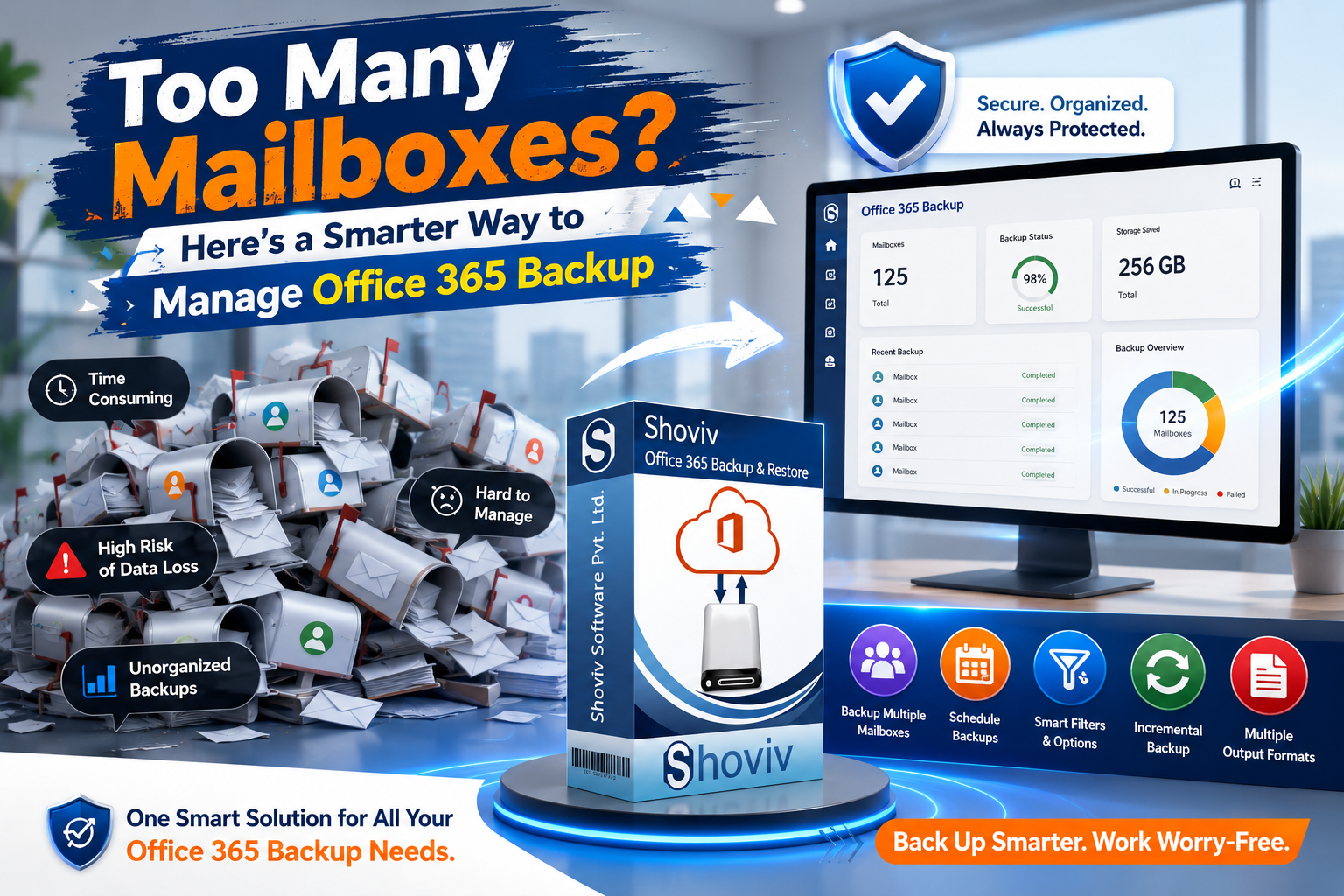
The Shoviv Office 365 Backup Tool provides a centralized way to manage Office 365 backup operations. Instead of treating every mailbox as a separate manual task, administrators can organize multiple backup operations through a structured interface.
The tool supports different Microsoft 365 mailbox types, including user mailboxes, archive mailboxes, shared mailboxes, and public folders. This allows businesses to manage different categories of organizational data through one solution.

Users can also save mailbox data in multiple formats, including PST, MBOX, EML, MSG, HTML, and MHT. This flexibility is useful when businesses have different archiving, migration, or data-management requirements.
Features That Make Large-Scale Backup Easier
One of the most important capabilities for organizations managing growing data is multiple mailbox processing. Instead of working through accounts one by one, administrators can handle several mailboxes more efficiently.
The tool also provides incremental backup, which helps avoid repeatedly processing data that has already been included in previous backup operations. This can make recurring tasks more efficient and reduce unnecessary processing.
Another useful feature is scheduled backup. Organizations can automate recurring backup jobs according to their workflow requirements, reducing dependence on manual intervention. Regular scheduling can help create a more consistent and organized backup process.
More Control Through Filters and Job Management
Large mailbox environments do not always require every item to be processed during every operation. Sometimes administrators need specific folders or data from a particular period.
The Shoviv solution provides filtering options that allow users to control which data is included in a backup job. This can help organizations focus on relevant information and manage large volumes of mailbox data more efficiently.
Job-based processing also helps administrators keep different backup operations organized. Instead of treating backup as one large, complicated task, different requirements can be managed through structured jobs.
Beyond Mailbox Backup
Microsoft 365 environments can contain important information beyond traditional emails. The Shoviv Office 365 Backup Tool also supports OneDrive backup, helping organizations manage additional Microsoft 365 data within their overall backup strategy.
The software also provides restoration capabilities for supported file formats, enabling users to bring data back into Office 365 when required. This adds flexibility for organizations that need both backup management and restoration options.
Conclusion: Simplify the Process Before It Becomes Unmanageable
The more mailboxes an organization manages, the more important an efficient backup workflow becomes. Manual methods may work for small environments, but they can quickly become repetitive and difficult to manage at scale.
A dedicated Office 365 backup solution provides a smarter alternative by combining multiple mailbox processing, flexible export formats, incremental backup, scheduling, filtering, and restoration capabilities.
The Shoviv Office 365 Backup Tool brings these features together in one centralized platform. For businesses managing a growing number of Microsoft 365 mailboxes, it provides a practical way to reduce administrative effort, organize backup operations, and manage business data more efficiently.

 Arabic
 French
 Spanish
 Portuguese
 Deutsch
 Turkish
 Dutch
Dutch
 Italiano
 Russian
 Romaian
 Portuguese (Brazil)
 Greek
Greek
