


Member Account Setup: A Simple Guide
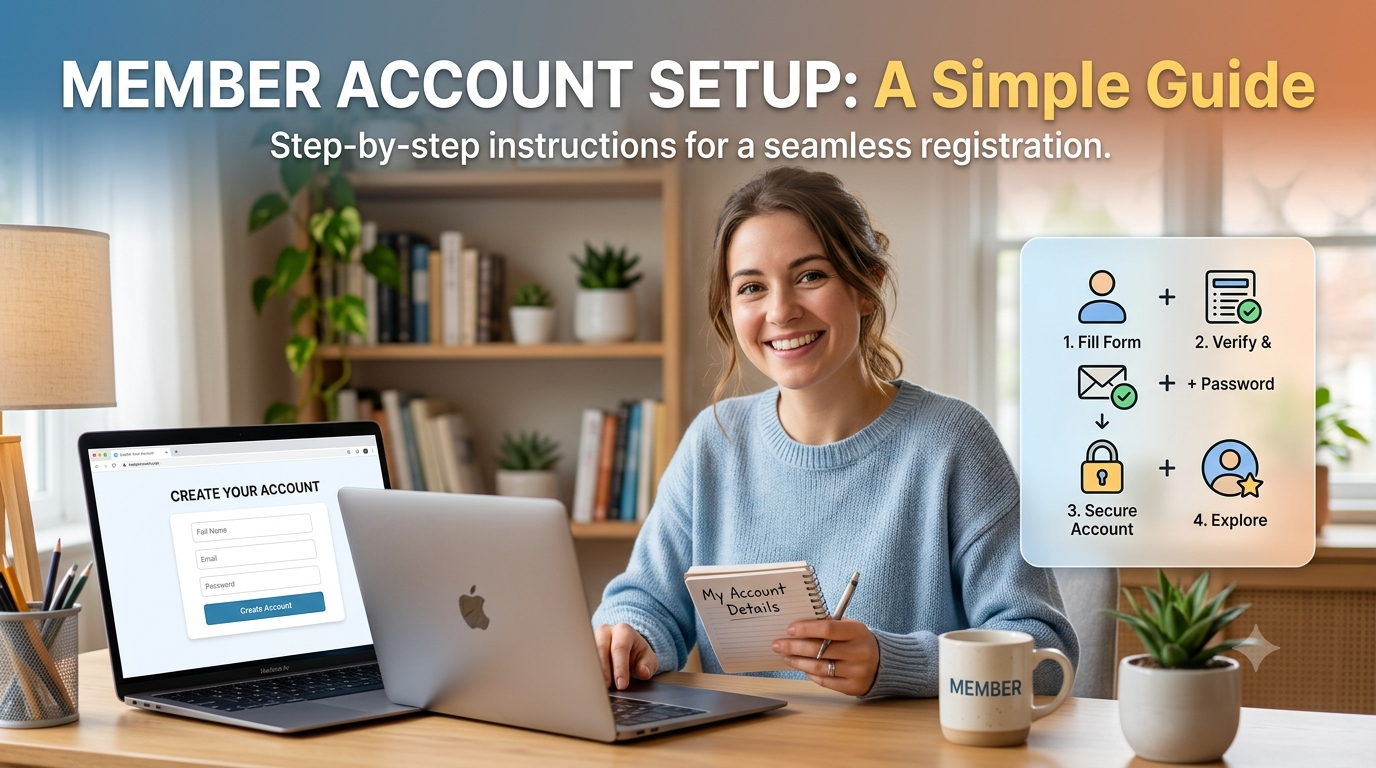
Setting up a member account is often the first step toward accessing an online service, platform, or membership program. While account creation may seem like a quick process, taking a few extra minutes to enter accurate information and configure the right security settings can make your account easier and safer to use in the future.
A well-organized member account gives you a central place to manage your profile, communication preferences, login details, and other account-related settings. Whether you are creating an account for shopping, professional services, a membership program, or another online platform, understanding the setup process can help you avoid common mistakes.
What Is Member Account Setup?
Member account setup refers to the process of creating and configuring an online account so that a person can access the features and services associated with their membership.
The process usually begins with providing basic information, such as your name and email address, and creating a password. Depending on the service, you may also need to verify your email address or phone number. Some platforms ask for additional information to confirm your identity or determine which features you are eligible to use.
A good setup is more than simply creating a username and password. It also involves reviewing your account information, selecting appropriate communication preferences, and protecting your login credentials.
Why Proper Account Setup Matters
Your member account may become the main point of access to personal information, order details, membership benefits, saved preferences, or business-related services. If the account is created with incorrect information, you may have trouble recovering it or receiving important notifications.
Security is another important reason to take account setup seriously. Amazon, for example, recommends using strong and unique passwords and enabling additional sign-in protection such as two-step verification.
A properly configured account can also make everyday use easier. When your contact details and preferences are accurate, you are less likely to miss important messages or spend time correcting information later.
Preparing Before You Create an Account
Before starting the setup process, it is useful to have the information you are likely to need ready. Usually, this includes an active email address and a phone number if the service uses phone verification.
You should also decide on a strong password before completing registration. Avoid using easy-to-guess information such as your name, birthday, or a password that you already use on another website. Using different passwords for different accounts can reduce the impact if one account is ever compromised.
It is also worth checking that you are using the legitimate website or application. Phishing websites can look surprisingly similar to genuine services and may attempt to collect login credentials. If you receive an unexpected message asking you to sign in, avoid clicking suspicious links and instead navigate directly to the official service.
Step-by-Step Member Account Setup
1. Start With the Official Registration Page
The first step is to locate the official registration or account creation page for the service you want to use. Look for options such as “Create Account,” “Sign Up,” “Register,” or “Join.”
Do not create an account through an unfamiliar website simply because it appears in an advertisement or an unsolicited email. Checking the website address carefully can help you avoid fraudulent pages.
2. Enter Your Basic Information
Most registration forms request basic details. Enter your information carefully and make sure there are no spelling errors.
Your email address is particularly important because it may be used for account verification, password recovery, notifications, and other communication. Using an email account that you regularly access can make account management easier.
If the service asks for a phone number, provide one that you can access when verification is required.
3. Create a Strong Password
A password should be difficult for other people to guess but practical for you to manage. A combination of letters, numbers, and symbols can provide stronger protection than a simple word or predictable phrase.
Avoid reusing passwords across multiple accounts. Amazon's security guidance also recommends avoiding personal information and passwords that are already being used elsewhere.
If remembering multiple passwords becomes difficult, consider using a reputable password manager rather than writing passwords in an unsecured location.
4. Verify Your Account
After submitting your registration details, the service may send a verification code or confirmation message. Follow the instructions provided by the official service.
Verification helps confirm that you control the email address or phone number associated with the account. If you do not receive a verification message, check your spam or junk folder before requesting another code.
Be careful with verification codes. Never share a security code with someone who contacts you unexpectedly and claims to be a representative of the service.
Adding Extra Protection to Your Member Account
Once the basic setup is complete, security should be the next priority. A password is useful, but an additional verification step can provide another layer of protection.
This is where Two-factor authentication can be especially valuable. With this type of protection enabled, signing in generally requires your password plus another verification method, such as a code generated by an authentication app or delivered to a trusted device.
Amazon recommends two-step verification and provides options that can include text messages, voice calls, or an authenticator app.
If the platform provides backup security options, configure them while you still have full access to the account. Having a recovery method available can make it easier to regain access if you lose your primary device.
Understanding Login and Member Access
After completing registration, members typically use their email address, username, or another registered identifier to access their account. The exact login process can vary depending on the service.
For example, people researching Amazon-related membership or seller services may encounter the phrase amazon vine login when looking for access information. It is important to distinguish between a general Amazon account, Amazon Seller Central, and specialized Amazon programs because access requirements and account features can differ.
Amazon's official information states that Amazon Vine is connected to eligible selling accounts and has specific participation requirements for sellers. This is a useful reminder that creating a general account does not necessarily mean that every specialized program will automatically become available.
Reviewing Your Account After Setup
Account setup should not end immediately after registration. Take a moment to review the account dashboard and settings.
Check that your name, email address, phone number, and other important information are correct. If the service offers notification preferences, review them and select the messages you actually need.
You should also become familiar with account recovery options. Knowing where to reset your password or update your contact information can save time if you ever lose access.
For accounts connected to professional or business activities, review permissions and user roles carefully. Some platforms allow multiple people to access a shared business account, but each person may have different responsibilities or levels of access.
Common Member Account Setup Mistakes
One of the most common mistakes is rushing through registration without checking the information entered. A small spelling error in an email address can cause verification and recovery problems.
Another mistake is using the same password everywhere. Although it may seem convenient, password reuse can create unnecessary security risks.
Ignoring account notifications can also cause problems. Important messages about security, verification, policy changes, or account activity may be sent to the registered email address. Keeping that information current helps ensure that you do not miss useful alerts.
Finally, avoid giving your password to another person, even if they claim to be helping you. Official security guidance warns users to keep passwords confidential and to be cautious about scams and phishing attempts.
How to Keep Your Member Account Secure
Account security is an ongoing responsibility rather than a one-time task. Review your account occasionally and update information when necessary.
Use a unique password, enable additional sign-in protection where available, and keep your recovery information current. If you receive an unexpected security notification, investigate it through the official website or application rather than relying on links contained in suspicious messages.
It is also wise to review devices and sessions if the platform provides that feature. If you see activity you do not recognize, change your password and follow the service's official account-security or recovery instructions.
Final Thoughts
A successful member account setup creates a strong foundation for safe and convenient access. By entering accurate information, choosing a unique password, verifying your account, enabling additional security, and regularly reviewing your settings, you can reduce avoidable account problems and make the service easier to use.
Whether you are setting up an account for personal use or managing access to a professional platform, a careful approach is always worthwhile. Resources and account requirements can change over time, so it is best to rely on the platform's official guidance for current procedures. With a clear setup process and sensible security habits, organizations such as OutRight Systems can also help users approach account management with greater confidence and consistency.

 Arabic
 French
 Spanish
 Portuguese
 Deutsch
 Turkish
 Dutch
Dutch
 Italiano
 Russian
 Romaian
 Portuguese (Brazil)
 Greek
Greek
