


Step-by-Step Guide to Convert PCM to FLAC
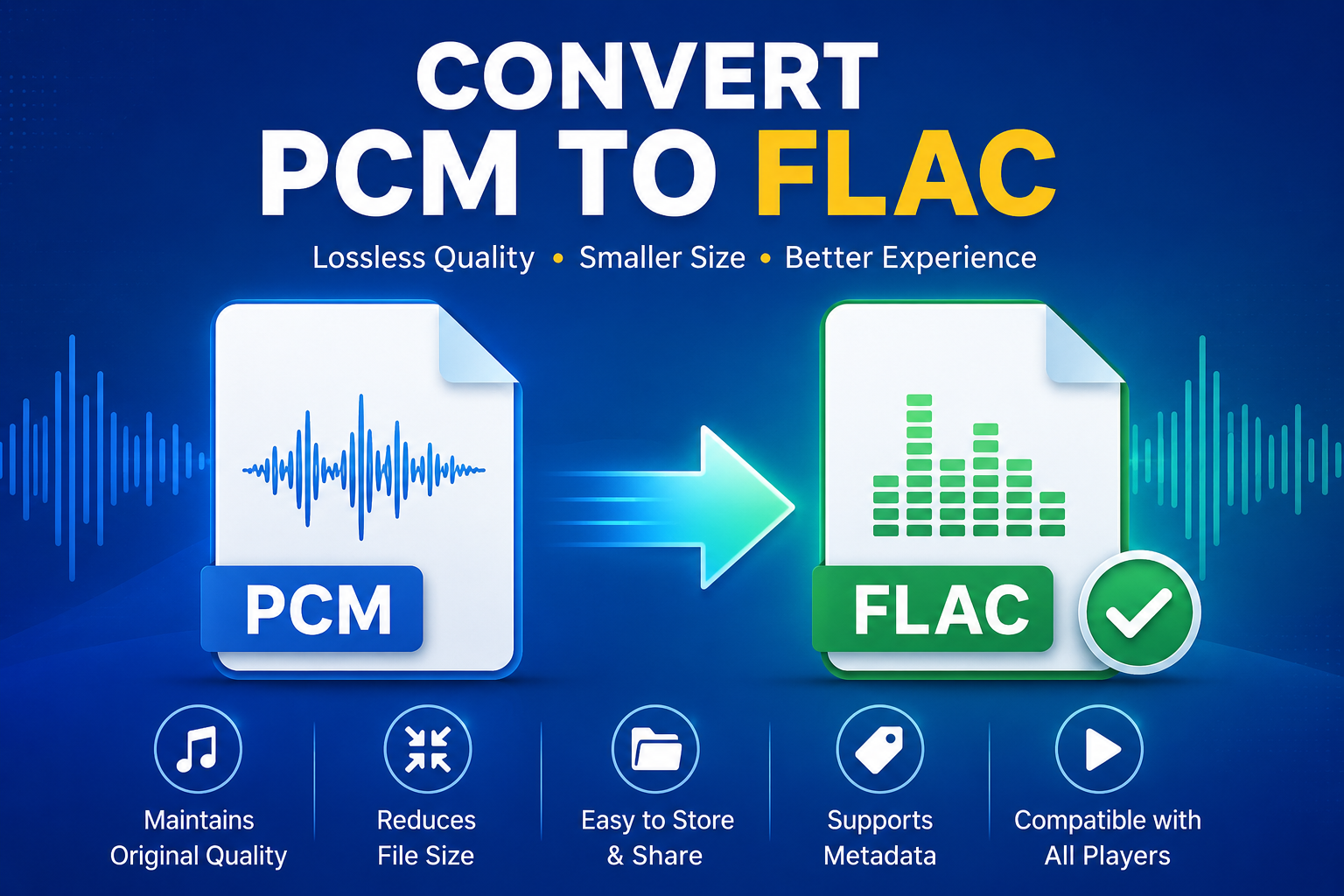
Audio formats differ in the way they balance sound quality, file size, and storage requirements. PCM is commonly used when uncompressed audio is needed, but its larger file size can make storing or transferring multiple recordings inconvenient. FLAC, on the other hand, uses lossless compression to reduce the size of an audio file without removing its original audio data. Because of this, many users convert PCM to FLAC when they want a more storage-efficient format while maintaining high-quality sound. This guide covers the main reasons for conversion, different methods you can use, and common mistakes to avoid. Alternatively, you can read this article if you want to convert M4A to AIFF.
Advantages of Changing PCM to FLAC
Choosing the right audio format can make a noticeable difference in how easily files can be stored, shared, and managed. When you convert PCM to FLAC, you can reduce the file size while retaining the original audio data through lossless compression. This makes FLAC a practical option for users who want to maintain high-quality sound without taking up as much storage space.
-
Preserves audio quality: Converting PCM to FLAC keeps the audio lossless without removing essential sound data.
-
Reduces file size: FLAC compresses large PCM files, helping save valuable storage space.
-
Simplifies file sharing: Smaller files are easier to upload, send, and transfer between devices.
-
Supports metadata: FLAC can store useful details such as artist, album, title, and track information.
-
Improves compatibility: FLAC is supported by many modern media players and audio applications.
-
Makes file management easier: Smaller, organized audio files are more convenient
Easy Ways to Convert PCM to FLAC
Converting audio files can be straightforward when you use a method that suits your needs. If you want to export PCM to FLAC, you can choose from several options, including dedicated audio conversion software and media players that support format conversion. Most of these methods involve only a few simple steps, so you do not need advanced technical skills. With the right approach, you can quickly change PCM files into FLAC while keeping the original audio quality intact.
#1. Change PCM to FLAC Using Dedicated Audio Software
Using audio tools is one of the most reliable ways to convert PCM to FLAC without compromising quality. Tools like SysTools Audio Converter Tool make the process simple, even for beginners, by offering an easy interface and batch conversion options. This means multiple PCM files can be converted to FLAC at once, saving time and effort while maintaining the original audio quality.
-
Download and install a converter on your system.
-
Launch the software and add the PCM files you want to convert.
-
Select FLAC as the output audio format.
-
Choose the destination folder to save the converted files.
-
Adjust audio settings if needed.
-
Click on the Convert button to start the process.
-
Once done, access your converted FLAC files from the selected folder.
#2. Media Player Method to Convert PCM to FLAC
Some media players come with built-in conversion options, allowing you to export PCM to FLAC without installing a separate audio converter. This can be a convenient choice when you already have a supported media player on your computer. The process is generally straightforward and lets you convert your PCM audio into a lossless FLAC file while retaining the original sound quality.
-
Open a media player such as VLC Media Player.
-
Navigate to the Media or File menu and look for the Convert/Save option.
-
Add the PCM audio file you want to convert.
-
Select Convert/Save to move to the conversion settings.
-
Choose FLAC as the output profile or audio format.
-
Select a destination folder and provide a name for the output file.
-
Start the conversion and allow the process to finish.
-
Open the selected destination folder and verify the converted FLAC file.
Errors to Avoid in PCM to FLAC Conversion
Avoiding common mistakes when you convert PCM to FLAC can help you maintain audio quality and prevent unnecessary conversion problems. Although the process is generally simple, incorrect settings or interruptions can result in incomplete, incompatible, or poor-quality output files. Keep the following points in mind:
-
Using unreliable conversion tools: Poor-quality converters may produce corrupted or unusable FLAC files.
-
Choosing incorrect settings: Make sure the output format and FLAC configuration match your audio requirements.
-
Stopping the conversion midway: Interrupting the process can result in an incomplete or damaged output file.
-
Ignoring the source file: Check that the original PCM file plays correctly before starting the conversion.
-
Changing audio properties unnecessarily: Avoid altering the sample rate or other settings unless required.
-
Selecting the wrong save location: Always confirm the destination folder so you can easily find the converted FLAC file.
End Note
Converting audio from PCM to FLAC is a simple yet effective way to manage large audio files without losing quality. While PCM provides raw, uncompressed sound, FLAC offers the same lossless audio in a much smaller and more practical file size. This makes storage, sharing, and playback much more convenient for everyday use. By following the right methods to convert PCM to FLAC and avoiding common mistakes, users can easily complete the process and enjoy high-quality audio with better efficiency and organization.

 English
 Arabic
 French
 Spanish
 Deutsch
 Turkish
 Dutch
Dutch
 Italiano
 Russian
 Romaian
 Portuguese (Brazil)
 Greek
Greek
