


Udyam Annexure Certificate Download Online: Process, Benefits, and FAQs
As a small business owner in India, you are likely familiar with the standard Udyam Registration Certificate. It serves as your business's official identity card, proving your status as a registered micro, small, or medium enterprise (MSME).
However, when you apply for commercial financing, seek bank loans, or attempt to secure specific government subsidies, financial institutions will routinely ask for an additional page: the Udyam Annexure Certificate.
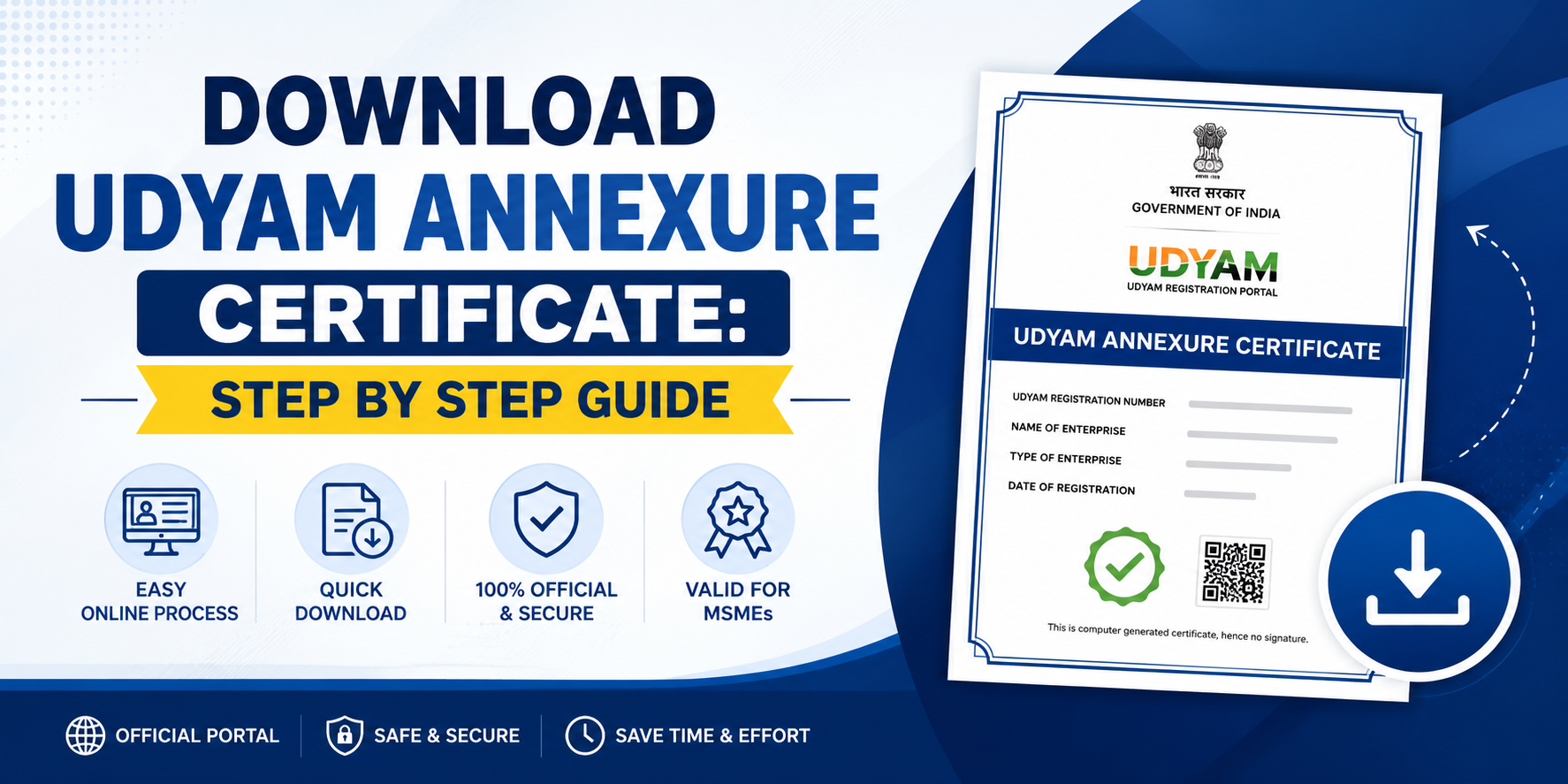
While the standard certificate acts as a summary of your registration, the Annexure contains the deep-dive financial metrics that lenders actually look for. This complete guide explains exactly what this document is, the visual features it displays, how to complete the online download process, and how it benefits your business.
What is an Udyam Annexure Certificate?
The Udyam Annexure is a comprehensive financial and compliance document attached to your core MSME registration. Unlike the main certificate page—which lists basic details like your company name, state location, and Udyam Registration Number (URN)—the Annexure serves as your business's financial health report.
The data on the Udyam Annexure is completely automated and tamper-proof because the portal pulls this information directly from your linked income tax returns (ITR) and GST filings.
Key Details Found Inside the Udyam Annexure:
* Net Investment Figures: The exact value of your business investment in plant, machinery, or equipment.
* Annual Turnover: The total verified sales and gross turnover numbers synced from your recent tax returns.
* Employment Breakdown: The precise count of male, female, and other employees working at your firm.
* National Industrial Classification (NIC) Codes: The multi-digit economic codes defining your manufacturing or service activities.
Step-by-Step Process for Udyam Annexure Certificate Download Online
Getting a copy of your full certificate along with its financial pages is an entirely online procedure. You can choose to download it yourself for free via the official government portal or utilise a private documentation portal if you need tracking or specialised data reconciliation support.
Option A: Downloading via the Official Government Portal (Free)
If you have seamless access to your registered mobile number and email, follow these free steps on the main website:
1. Visit the Official MSME Portal
Open your browser and navigate directly to the official site at udyamregistration.gov.in. Avoid unauthorised third-party copycat sites if your goal is the standard, free download.
2. Navigate to the Print Option
Look at the main horizontal menu bar at the top of the homepage. Hover over or click on the "Print / Verify" tab and choose "Print Udyam Certificate" from the options.
3. Enter Login Credentials
Provide your unique 19-digit Udyam Registration Number (URN) in the designated input box. Then, type in the registered mobile number linked to that specific profile.
4. Generate and Validate Your OTP
Choose whether you want the secure verification code sent to your mobile phone or email ID. Click "Validate & Generate OTP". Type the 6-digit code received into the portal and click the login button.
5. Select the Annexure Display
Once inside your active dashboard, locate the button labelled "Print Certificate". On the preview screen, ensure the option to "Include Annexure" or "Print with Details" is checked so the financial pages generate alongside the main certificate.
6. Save the PDF File
Click the "Print" button on the top right. In your local system print settings dialogue box, change the destination choice from a physical printer to "Save as PDF", select a folder on your computer, and save the file safely.
Option B: Using Private Support Platforms (Paid Service)
How to Apply for Your Udyam Annexure Certificate
Step 1: Go to the Udyam Portal
Open the website and reach the Udyam Annexure Certificate page where the application form is shown.
Step 2: Click on Annexure Certificate
From the menu, select the "Annexure Certificate" option. This opens the application form where you can apply.
Step 3: Fill in Your Udyam Registration Details
Enter your Udyam Registration Number (it looks like UDYAM-XX-00-0000000) and the mobile number you registered with. Both are marked as required.
Step 4: Add Your Enterprise Name
Type in your business name exactly as it appears on your Udyam Certificate. This helps avoid any mismatch later.
Step 5: Enter Applicant Name and Email
Add the name of the owner or proprietor, along with a valid email address. Your certificate will be sent here once ready.
Step 6: Select the Purpose of the Certificate
Choose why you need the certificate — bank loan, government tender, subsidy application, export documentation, partnership/MoU, or other. This is a required field.
Step 7: Add Issuing Authority (Optional)
If you know which bank or department is asking for the certificate, mention it here — for example, "SBI Bank" or "District Office". You can skip this if unsure.
Step 8: Write Additional Remarks (Optional)
If you have any special instructions or requirements, add them in this box.
Step 9: Enter the Verification Code
Type the code shown in the box (like "5BBAR5") into the verification field. Click refresh if it's hard to read.
Step 10: Confirm and Submit
Tick the checkbox to confirm your details are correct and that you agree to the Terms & Conditions and Refund Policy. Then tap "Submit Application".
That's it — once submitted, the team verifies your details and sends your Annexure Certificate as a PDF.
Why Banks Require the Udyam Annexure: Essential Business Benefits
Many entrepreneurs wonder why a simple, printed one-page MSME card isn't enough for bank executives. The Annexure yields several structural advantages for both lenders and business owners:
Accelerated Loan Processing
Lenders do not need to wait for physical verification of your financial logs; all necessary audit data sits cleanly inside one single document.
Fraud Prevention
Because the figures sync automatically from Ministry databases (ITR/GST), it removes any risk of manual misrepresentation or manipulation.
RBI Compliance Verification
Commercial banks must adhere to strict Reserve Bank of India (RBI) rules regarding credit limits. The Annexure officially proves you stay within micro or small business limits.
Access to Interest Subsidies
Holding a valid, updated financial annexure unlocks priority sector lending, lower interest interest rates, and concessions on bank overdrafts.
Want a udyam registration certificate? Visit Udyam Registration Portal and register your MSMEs
Frequently Asked Questions (FAQs)
Q1: Is there a fee to download the Udyam Annexure Certificate?
If you download the document yourself using the official government website (udyamregistration.gov.in), the process is completely free. If you choose to utilize an external private agency or consultancy platform to handle the application, resolve login errors, or fix data discrepancies, they will charge a professional service fee.
Q2: Why are the investment and turnover columns showing blank or "Zero"?
This issue happens if your PAN card or your newly filed annual Income Tax Returns (ITR) have not successfully mapped or synced with the Ministry of MSME database yet. You can fix this by logging into your profile using your URN and clicking on the "Update Details" section to force a re-validation of your PAN card status.
Q3: Does the Udyam Annexure PDF require an official signature or stamp?
No, it does not require a physical signature. The Udyam Annexure is a digitally signed, system-generated compliance document. It features a unique, secure QR code that banks and government offices can scan to instantly pull up live, authentic verification records from the cloud.
Q4: How frequently do I need to update or re-download my Annexure?
The certificate itself features a lifetime validity unless your core business operations structurally alter. However, because the Annexure draws data from your active tax records, it is highly recommended to download a fresh copy once every year immediately after you complete your regular annual tax and GST filings.

 English
 Arabic
 French
 Spanish
 Portuguese
 Deutsch
 Turkish
 Dutch
Dutch
 Russian
 Romaian
 Portuguese (Brazil)
 Greek
Greek
