


AI Meeting Assistants Compared: Otter, Fireflies, and Fathom
Meetings are essential, but taking notes while staying involved in the conversation is rarely productive. Important decisions get missed, action items become unclear, and follow-up emails often depend on someone’s hurried notes. AI meeting assistants address this problem by recording conversations, generating transcripts, summarizing key points, and identifying next steps.
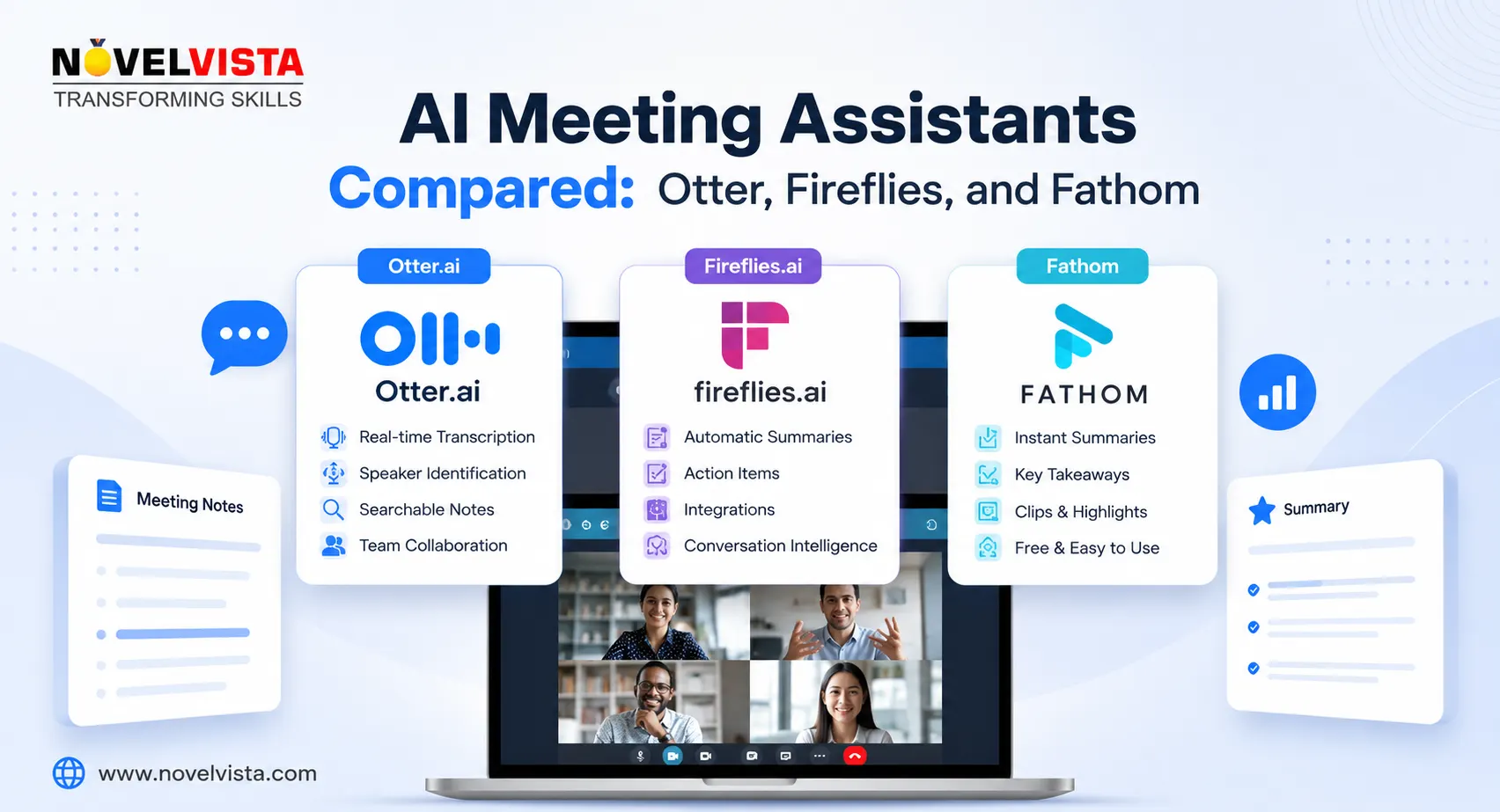
Otter, Fireflies, and Fathom appear similar at first, but each supports a different kind of workflow. The right choice depends on whether you value live transcription, deep automation, or a simple post-meeting experience.
Otter: Best for Live Transcription and Collaborative Notes
Otter is particularly strong when real-time transcription matters. It can automatically join meetings held through Zoom, Google Meet, and Microsoft Teams, display a live transcript, identify speakers, and generate summaries. Otter can also capture shared slides and screens, making it useful for lectures, training sessions, interviews, and presentation-heavy meetings.
Its collaborative workspace is another advantage. Users can highlight transcript sections, add comments, assign tasks, and organize conversations into channels. Otter AI Chat can search across meeting conversations and help create follow-up content, reports, or answers based on previous discussions.
Otter works well for individuals, educators, journalists, and teams that want searchable meeting records. However, its transcription language support is more limited than some competitors. It currently supports English, Spanish, French, German, Japanese, and Simplified Chinese. Teams handling conversations across many languages may need a broader alternative.
Fireflies: Best for Integrations and Workflow Automation
Fireflies feels less like a basic note-taking application and more like a meeting intelligence platform. It can join meetings across Zoom, Google Meet, Microsoft Teams, Webex, and other services. It also supports uploaded recordings, browser capture, desktop recording, and mobile recording for in-person conversations.
After a meeting, Fireflies produces transcripts, summaries, action items, and searchable conversation records. Its AskFred assistant can answer questions about a meeting, extract decisions, identify blockers, and create follow-up emails. Fireflies also offers live assistance, allowing users to view transcripts, receive summaries, and ask questions while a conversation is happening.
The platform’s biggest strength is its integration ecosystem. Fireflies can connect meeting information with CRM systems, collaboration tools, diallers, storage services, and productivity applications. This makes it a strong option for sales, recruitment, customer success, operations, and project management teams that want meeting outcomes to move into their existing systems.
The trade-off is complexity. Fireflies offers many features and automation options, so new users may need time to configure it properly. For a small team that only wants clean notes, it may feel more powerful than necessary.
Fathom: Best for Simplicity and Client-Facing Calls
Fathom focuses on making the post-meeting workflow fast and uncomplicated. It records meetings, creates transcripts and summaries, identifies action items, and makes it easy to share selected moments or complete summaries. Its interface is polished, and its notes are structured for quick review rather than presenting users with too much information.
Fathom is especially attractive to sales representatives, consultants, account managers, and customer-success professionals. It can sync summaries and action items into platforms such as Salesforce and HubSpot, reducing manual CRM updates. Premium features include custom summary templates, AI-generated follow-up emails, action items, and the ability to ask questions about recorded conversations.
Its individual free offering includes unlimited recordings, storage, and transcription in 38 languages, although advanced summaries and other AI capabilities are limited without an upgrade. Fathom may not offer the same breadth of automation as Fireflies, but that simplicity is part of its appeal.
Which AI Meeting Assistant Should You Choose?
Choose Otter when live transcription, collaborative editing, and searchable notes are your main priorities. Choose Fireflies when you need advanced integrations, workflow automation, cross-meeting intelligence, and administrative controls. Choose Fathom when you want a clean experience, quick summaries, and efficient follow-up for sales or client meetings.
There is no universal winner. Test each platform using real meetings, different speakers, varied accents, and your usual collaboration tools. You should also review recording-consent requirements, retention settings, and organizational security policies. The best AI meeting assistant is not the one with the longest feature list. It is the one that quietly fits into your workflow and helps your team leave every meeting with clear decisions and accountable next steps.

 English
 Arabic
 French
 Spanish
 Portuguese
 Deutsch
 Turkish
 Dutch
Dutch
 Russian
 Romaian
 Portuguese (Brazil)
 Greek
Greek
