


Here is a step by step guide on how to check Instagram login devices
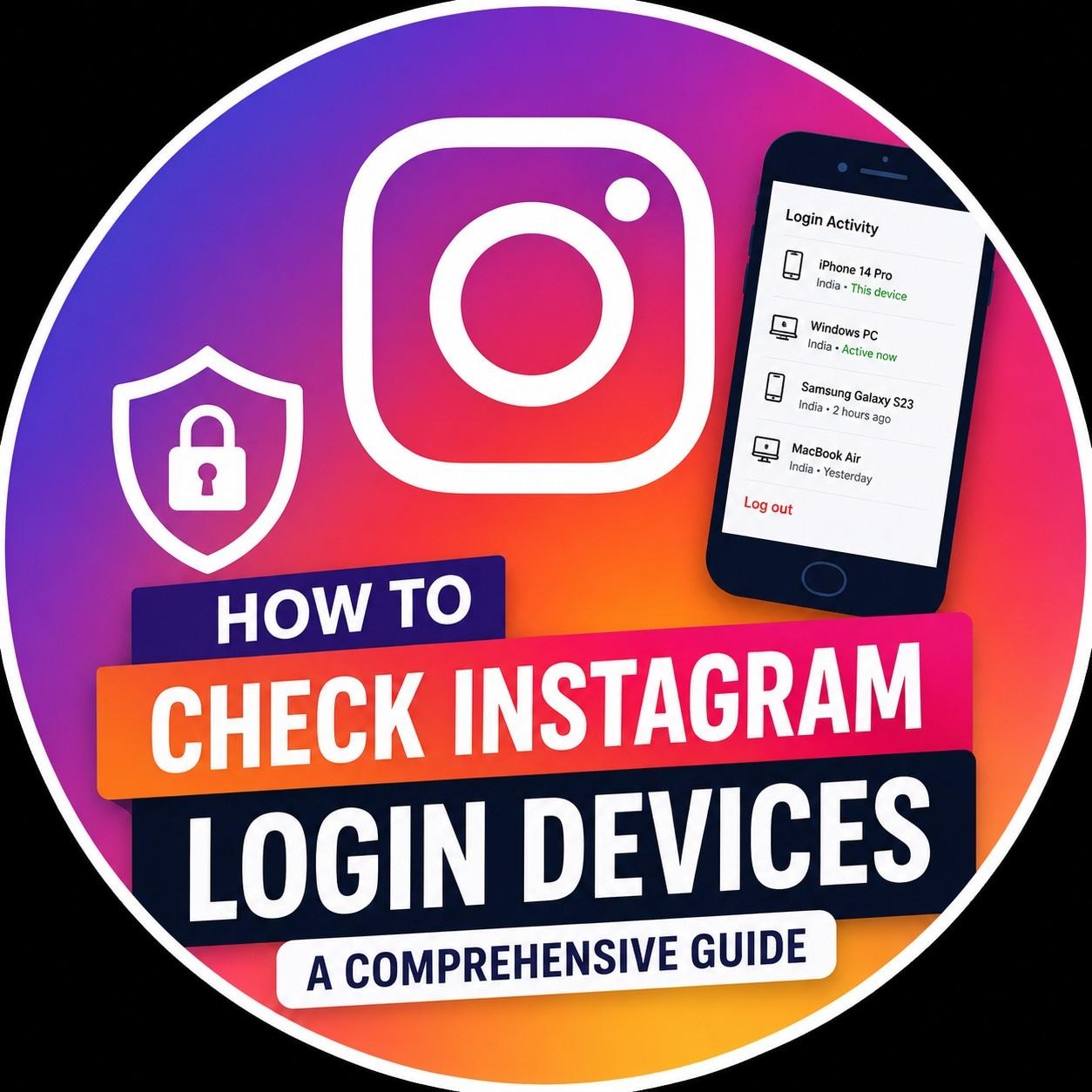
To keep your Instagram account safe you need to check the Instagram login devices. Instagram has a feature that shows you where your Instagram account is logged in. To check login devices of your Instagram account, you have to go to the Settings on your Instagram account. Then you have to open the Accounts Center. Next you have to select Security. After that you have to tap on Where You're Logged In. Now you can see every device that is connected to your Instagram account. This includes your phone, your tablet and your web browser.
If you see an Instagram login device that you do not know you should sign out of that Instagram login device away and change your password. Checking your Instagram login devices regularly and using two-factor authentication is the way to protect your Instagram account from hackers and keep your Instagram account safe.

 English
 Arabic
 French
 Spanish
 Portuguese
 Deutsch
 Turkish
 Dutch
Dutch
 Italiano
 Russian
 Portuguese (Brazil)
 Greek
Greek
