


Top 10 Knowledge Base Software Platforms Compared
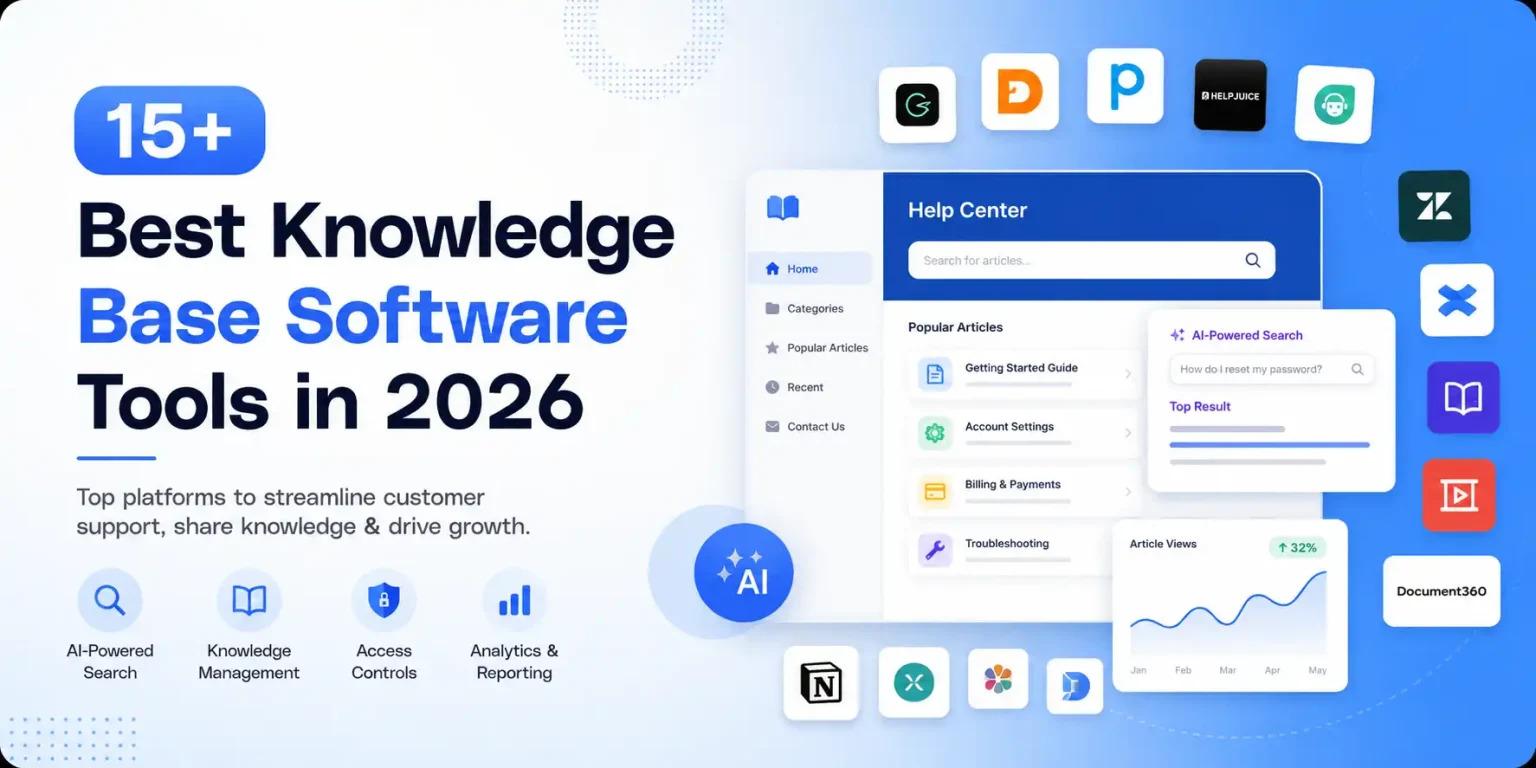
Every business has an overwhelming amount of information scattered everywhere. Finding specific details in old emails or group chats can be a real nightmare. That is where using a dedicated Knowledge Base Software comes into play. If you are trying to handle a messy pile of company files, setting up the right system will change everything for your team.
When you choose a good Knowledge Base Software platform, you are building a central hub for your company information. It makes your overall knowledge management much simpler because everything sits in one single place. Let us look at the top choices on the market right now so you can pick the best option.
Top Platforms for Managing Corporate Information
1. Document360
Document360 has earned a really solid track record over the years. It is designed for businesses that need to create clean help centers for their users. The analytics and reporting features inside this platform are super helpful because they show exactly what your readers are searching for. If someone cannot find an answer, you will know about it immediately.
This tool helps a lot with knowledge management by keeping the editing process very clean and direct. It works perfectly for internal teams as well as public users who need help with your products.
2. Notion
Notion is a very popular tool that many small companies love using. It acts like an all-in-one workspace where you can link documents together. It is not just a classic Knowledge Base Software option, because it also includes simple task management software features.
You can track your daily projects while building out your internal guidebooks at the same exact time. However, it does lack advanced analytics and reporting tools that bigger teams might need for deep tracking.
3. Confluence
Confluence is a massive player in the knowledge management space, especially for engineering departments. It serves as a heavy-duty Knowledge Base Software that allows deep collaboration on technical papers.
The access controls in Confluence are incredibly detailed, meaning you can lock down private spaces so only specific employees can read them. It might feel a bit slow or complicated for non-technical users, but its historical track record for large companies is hard to beat.
4. Jira Service Management
If your team handles a lot of technical issues, Jira Service Management is a fantastic option. It acts as an incredible Knowledge Base Software platform because it links your help documents directly to open support tickets. When a technical glitch happens, your IT team can handle the incident response much faster because the fixing guides are connected right to the problem ticket.
The access controls ensure that internal system fixes are kept safe from public eyes. It also includes robust analytics and reporting to monitor how fast your support agents are solving user issues.
5. Zendesk
Zendesk is a giant name in the world of customer support. Its built-in Knowledge Base Software helps your help desk agents find answers while they are actively talking to angry clients. It features an impressive AI-powered search that reads user questions and automatically suggests matching articles.
By utilizing this tool, your customer support agents save hours of manual typing every single day. The platform has a long track record of helping global contact centers keep their customer support workflows organized.
6. Freshdesk
Freshdesk provides a highly intuitive Knowledge Base Software that is built straight into its support portal. It makes customer support simple for smaller businesses because the setup is so easy.
The AI-powered search guides customers to helpful articles before they even finish typing out a new help ticket. This deflection keeps your customer support team from drowning in a sea of repetitive questions.
7. Guru
Guru works a bit differently compared to a traditional Knowledge Base Software portal. Instead of making you visit a separate website, it functions as a browser extension that brings your knowledge management directly into your active web tabs.
It uses an advanced AI-powered search to pull up facts while you are typing an email to a client. This instantly improves your customer support quality because agents never have to stop what they are doing to search for a hidden file.
8. ClickUp
ClickUp started as a dedicated task management software platform, but it has grown into a strong Knowledge Base Software competitor. You can use its document section to write down company rules and connect them directly to your team goals.
Because your daily task management software and your knowledge documents live inside the same system, your staff will actually read the guides you write. It is great for internal knowledge management but lacks public-facing features.
9. HelpJuice
HelpJuice is a pure point product focused completely on being the best possible Knowledge Base Software on the web. Its AI-powered search is incredibly smart and can understand user spelling mistakes easily.
The analytics and reporting tools are very deep, showing you exactly how your content performs over time. If you want a platform that has a great track record of doing just one thing perfectly, this is it.
10. HubSpot Service Hub
HubSpot gives you a very smooth Knowledge Base Software experience that ties right into your sales software. It allows your customer support agents to see exactly what articles a customer read before they called in for help.
The analytics and reporting tools show you the direct monetary value of your help articles. It is an expensive choice, but it helps scale your customer support operations beautifully.
Choosing the Right System
When you look for a new Knowledge Base Software system, you must think about what your company needs most. If you need to fix IT bugs quickly, picking something that improves your incident response like Jira Service Management is smart. If your main goal is simply keeping tasks organized, finding a platform that mixes your documentation with task management software is the way to go.
Make sure to look at the access controls to keep private financial documents safe. A platform with an excellent historical track record will ensure your business data remains stable as you grow your knowledge management system. Take your time, test out the AI-powered search capabilities, and choose the platform that makes your life easier.
For a deeper dive into the technical details and fundamentals of how these systems operate, you can watch this Introduction to Knowledge Base Architecture. This video explains the structural layout of documentation portals and how to organize files for your team effectively.

 English
 Arabic
 French
 Spanish
 Portuguese
 Deutsch
 Turkish
 Dutch
Dutch
 Italiano
 Russian
 Portuguese (Brazil)
 Greek
Greek
