


The 10 Best Team Collaboration Tools for Remote Work in 2026
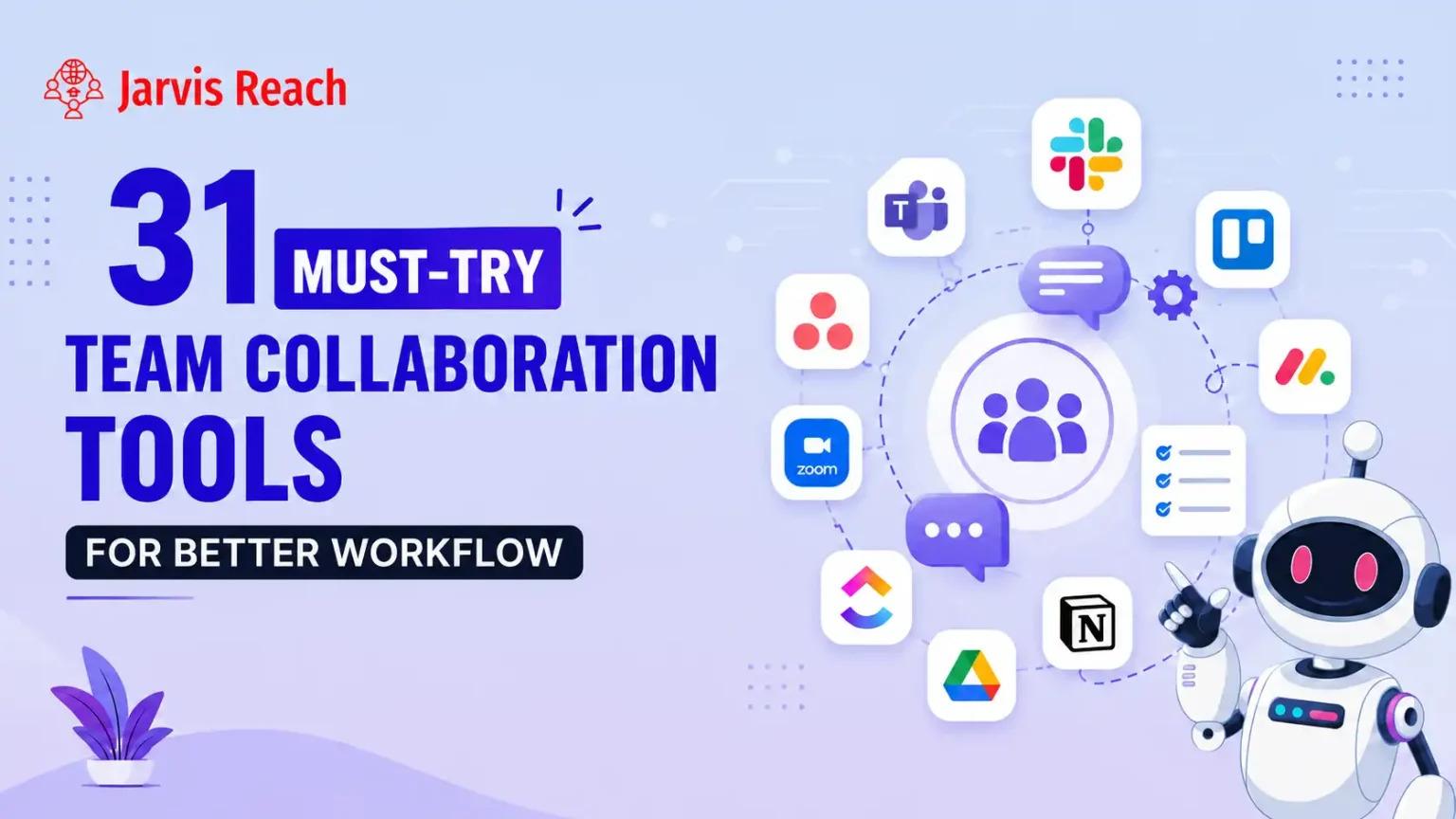
Remote work is no longer just a temporary setup or a modern perk. In 2026, distributed operations are the core foundation of successful global business execution. However, keeping everyone on the exact same page across multiple time zones is notoriously difficult. If your workers do not have the right digital environment, miscommunication happens quickly, and simple tasks take days to finish. To prevent these breakdowns, modern corporations rely on specialized team collaboration tools to build unified workspaces online.
Choosing the right digital platform can feel completely overwhelming because the market is flooded with endless applications. You need software that simplifies communication without creating extra confusion for your employees. Let us look at the ten best team collaboration tools for remote work in 2026 that help corporate units work together flawlessly.
The Absolute Best Team Collaboration Tools for Modern Remote Work
1. Slack
Slack remains a dominant force when it comes to business team communication tools. It breaks your corporate text conversations into separate public or private channels based on specific projects or general departments. It has a very low learning curve, which makes it easy for new employees to jump in and start talking without hours of training. For a cross functional team that needs to share files and casual updates fast, Slack serves as the daily communication layer that connects all your separate operational branches.
2. ClickUp
If you want an all in one productivity engine, ClickUp is a fantastic option. It combines task management, goal tracking, and collaborative document editing in a single window. When analyzing the ClickUp pricing structure, it remains highly popular because they offer a flexible free version alongside tiered premium packages that fit growing groups. The platform allows distinct departments to work together on major corporate initiatives. However, because it has so many features, the initial learning curve can be a bit steep for non technical staff members. Reviewing the ClickUp pricing tiers shows excellent value for companies that want to minimize the number of apps they buy.
3. Asana
Asana provides an incredibly adaptable project tracking experience where you can view your workflows through lists, timelines, or calendar views. Looking over the Asana pricing model reveals a generous free tier designed for smaller groups tracking daily milestones. It is an amazing platform to help a cross functional team align their distinct project timelines without stepping on each other's toes. The Asana pricing remains highly competitive for businesses that need multiple people working together on complex product launches without facing a difficult onboarding experience.
4. Podio
Podio by Citrix stands out as a highly customizable choice among team collaboration software solutions on the market. It lets you build your own custom data inputs and automated workflows tailored to your unique business structure. Because you can change almost anything, Podio has a slightly higher learning curve than standard out of the box software. It is heavily utilized by complex development teams and cross functional units that need strict control over how data moves between distinct branches. Podio provides the structure necessary for large numbers of people working together on long term enterprise contracts.
5. Microsoft Teams
For corporate ecosystems deeply embedded in the Office 365 world, Microsoft Teams is the default command center. It blends video conferencing, text chat, and live file editing beautifully. It is a robust option among team communication tools because it keeps all corporate documents secured inside your enterprise cloud. It helps cross functional divisions review spreadsheets and presentations collectively without downloading files constantly, making it easy for separate teams to work together efficiently.
Creative Tools for Brainstorming and Visual Group Learning
6. Miro
Not all team collaboration tools are focused on rigid text lists or structured grids. Miro offers a massive visual whiteboard environment where remote employees can drop sticky notes, draw diagrams, and map out user journeys in real time. It is easily one of the best tools for group learning and interactive design sprints. Miro helps visual thinkers work together without the boundaries of traditional text documents, reducing the learning curve for creative teams that need to brainstorm new product concepts collectively.
7. Notion
Notion acts as a shared digital brain for your remote business. It combines corporate wikis, meeting notes, and task lists inside an elegant document interface. It is highly valued as one of the best tools for group learning because any employee can update documentation instantly. For large groups of people working together across continents, Notion keeps your operational knowledge base clear and completely searchable.
8. Loom
Loom changes how remote teams share detailed updates by replacing long emails with fast video recordings. You can capture your desktop screen and your face simultaneously to explain a complex report or walk through a software bug. It is a vital asset among modern team communication tools because it cuts down the need for live meetings, allowing people working together asynchronously to understand context without scheduling conflicts.
Niche Platforms for Specialized Project Tracking
9. Jira
Built specifically for software engineering departments, Jira excels at tracking product bugs and managing agile development sprints. It has a rigid setup and a significant learning curve, meaning it is not ideal for casual marketing groups. However, for engineering professionals who need to work together on code deployments, Jira provides the exact tracking metrics required for enterprise success.
10. Trello
On the completely opposite side of complexity sits Trello. It uses a very clean arrangement of boards and cards built on the popular Kanban framework. You can drag a task card from the incoming column to the completed section in a single swipe. Trello has almost zero learning curve, making it one of the most accessible team collaboration tools for small businesses or simple projects where workers just need to see who is doing what at a quick glance.

 English
 Arabic
 French
 Portuguese
 Deutsch
 Turkish
 Dutch
Dutch
 Italiano
 Russian
 Romaian
 Portuguese (Brazil)
 Greek
Greek
