


Recover Files After Windows Reinstallation: Easy Methods for PC
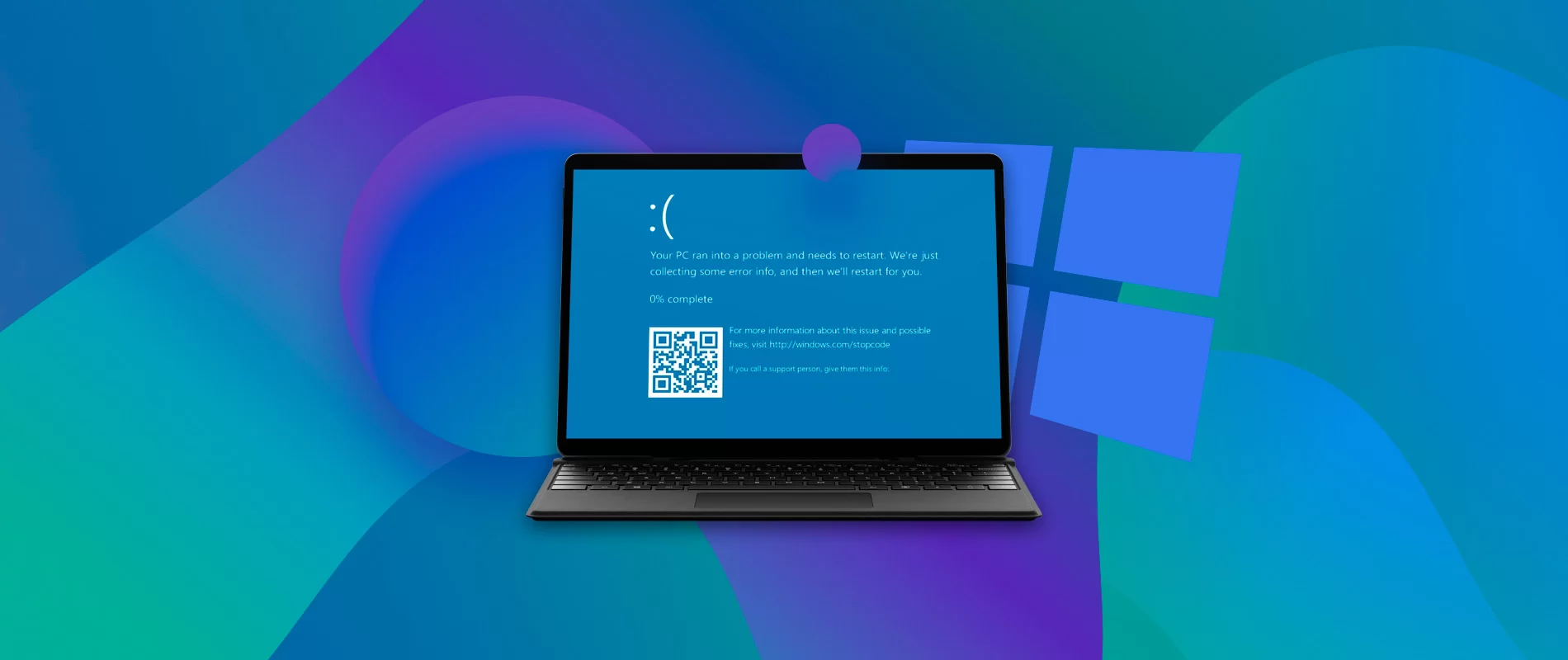
Reinstalling Windows can make your computer faster and fix system errors, but it can also lead to accidental data loss. Many users panic after a fresh install when they realize important documents, photos, or work files are missing. The good news is that in many cases, it is still possible to Recover Files After Windows Reinstallation using simple and effective methods.
This guide explains easy recovery techniques for PC users, even if you are not technically experienced. It also covers what happens to your files and how to improve your chances of restoring them safely.
Why Files Disappear After Windows Reinstallation
When Windows is reinstalled, especially through a clean installation, the system often removes or formats the main drive. This process does not always immediately destroy your data, but it makes it inaccessible to the operating system.
Common reasons for file loss include:
- Formatting the C drive during installation
- Installing Windows on the wrong partition
- Choosing “Remove everything” during reset
- Overwriting old system files
Even though files appear gone, they may still exist on the disk. This is why you can often still Recover Files After Windows Reinstallation if you act quickly.
Easy Method 1: Check the Windows.old Folder
One of the simplest ways to recover data is by checking the Windows.old folder. Windows sometimes automatically saves previous system files in this folder during reinstallation.
Steps to check:
- Open File Explorer
- Go to Local Disk (C:)
- Look for a folder named Windows.old
- Open it and navigate to Users
- Check Desktop, Documents, and Downloads
If available, this is the easiest way to Recover Files After Windows Reinstallation without any software.
Easy Method 2: Restore from File History Backup
If File History was enabled before reinstalling Windows, your files may already be backed up.
How to restore:
- Open Control Panel
- Click File History
- Select “Restore personal files”
- Browse backup versions
- Click Restore
This built-in feature is a safe and reliable way to Recover Files After Windows Reinstallation, especially for documents and media files.
Easy Method 3: Use OneDrive or Cloud Backup
Many Windows users automatically sync files with OneDrive or other cloud services like Google Drive or Dropbox. If sync was enabled, your files may still be available online.
What to do:
- Sign in to your Microsoft account
- Open OneDrive folder
- Check Desktop, Documents, and Pictures
- Download missing files
Cloud backup is one of the fastest ways to Recover Files After Windows Reinstallation without installing any tools.
Easy Method 4: Use Data Recovery Software
If no backup exists, recovery software can scan your drive for deleted files that are still physically present.
Basic steps:
- Install recovery software on a different drive
- Select the affected partition
- Run a deep scan
- Preview recoverable files
- Restore selected data
Popular tools include Recuva, EaseUS Data Recovery Wizard, and similar recovery programs.
This method is highly effective when trying to Recover Files After Windows Reinstallation, especially if the drive has not been overwritten.
Easy Method 5: Check External Drives and USB Devices
Sometimes users forget that important files were already backed up on external storage devices.
Check:
- USB flash drives
- External hard disks
- Memory cards
- Secondary partitions
This simple step can quickly help you Recover Files After Windows Reinstallation without any advanced tools.
Easy Method 6: Look for Previous User Folder Data
In some installations, Windows creates a new user profile while keeping the old one stored.
Steps:
- Open C drive
- Go to Users folder
- Look for old usernames
- Open folders and check files
This method often helps users Recover Files After Windows Reinstallation when the system creates duplicate profiles.
How to Increase Recovery Success
To improve your chances of getting your files back, follow these important rules:
- Stop using the affected drive immediately
- Avoid installing new programs on the same disk
- Do not save new files to C drive
- Use recovery tools as soon as possible
The less you overwrite the disk, the better your chances to Recover Files After Windows Reinstallation successfully.
Common Mistakes to Avoid
Many users accidentally reduce recovery chances by making simple mistakes:
- Installing software on the same drive
- Continuing normal PC usage after reinstall
- Ignoring backup locations
- Running multiple recovery tools at once
Avoiding these mistakes is important for successful data recovery.
Tips to Prevent Future Data Loss
Once you recover your files, it is important to protect them in the future.
Best practices:
- Enable automatic cloud backup
- Use external drives for important data
- Turn on File History in Windows
- Keep personal files separate from system drive
- Regularly update backups
These habits reduce the need to Recover Files After Windows Reinstallation again.
Conclusion
Losing files after reinstalling Windows can be stressful, but recovery is often possible using simple methods. Checking Windows.old, restoring backups, using cloud storage, and applying recovery software are all effective solutions.
The success of efforts to Recover Files After Windows Reinstallation depends mainly on how quickly you act and whether the data has been overwritten. By following the easy methods explained above and maintaining regular backups, you can safely restore your important files and protect them in the future.

 English
 French
 Spanish
 Portuguese
 Deutsch
 Turkish
 Dutch
Dutch
 Italiano
 Russian
 Romaian
 Portuguese (Brazil)
 Greek
Greek
