


How to Use Amazon Fire TV Stick Abroad - Easy Guide
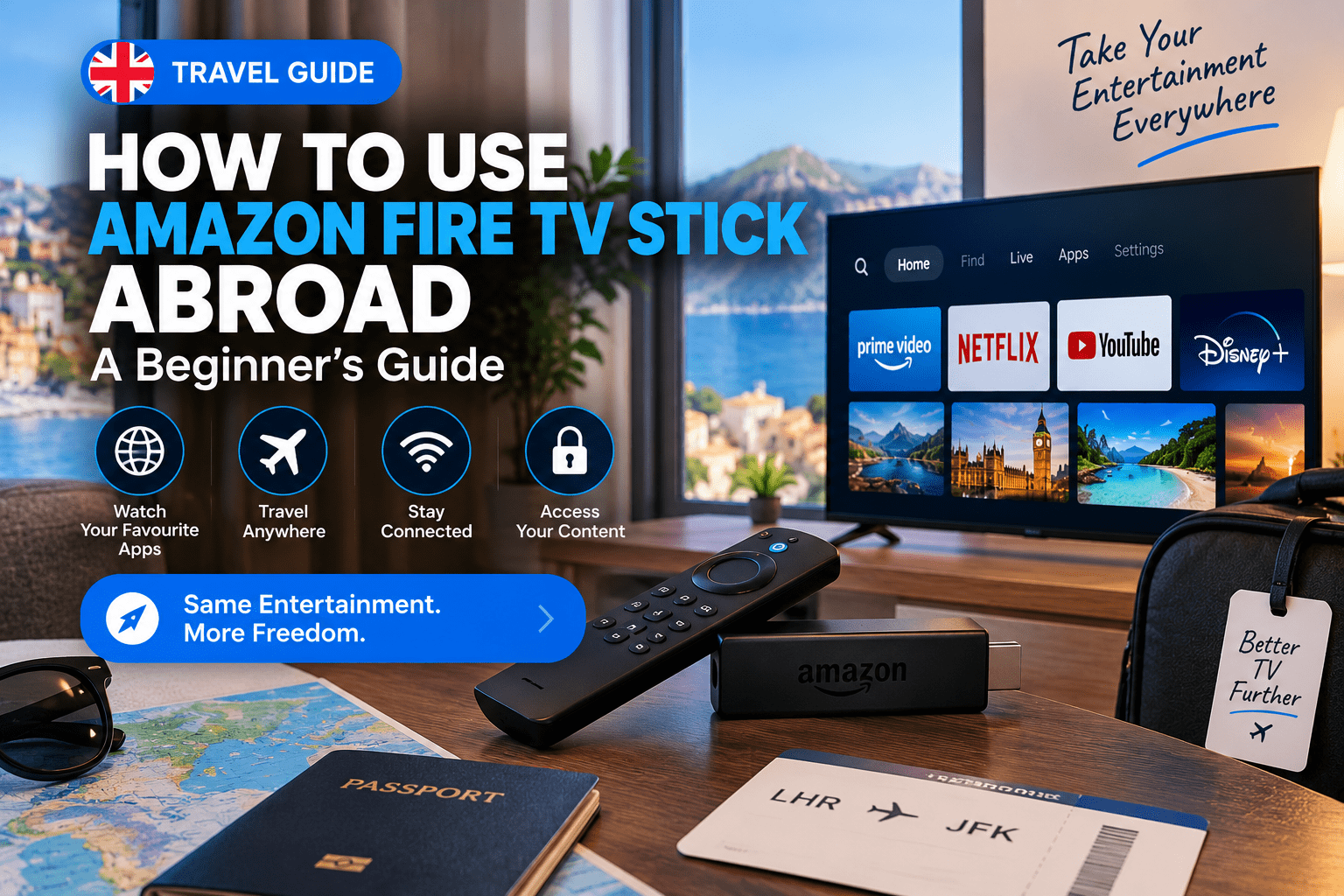
Taking your Amazon Fire TV Stick abroad can be an easy way to keep your familiar streaming setup when travelling. Whether you are going on holiday, working remotely, visiting family or spending several months overseas, a Fire TV Stick is small enough to pack and simple enough to connect to another television.
However, many people discover that using their Firestick abroad is not always exactly the same as using it at home.
You may encounter region restrictions, unavailable apps, login issues, slower internet connections or problems accessing services that normally work in your home country.
This guide explains what happens when you take an Amazon Fire TV Stick abroad, how to set it up and what you should check before travelling.
Can You Take an Amazon Fire TV Stick Abroad?
Yes. You can physically take an Amazon Fire TV Stick almost anywhere.
The device is portable and connects to a television through an HDMI port. As long as you have:
-
A compatible television
-
An internet connection
-
Power for the device
-
Your Amazon account
you can usually set up and use the Fire TV Stick while travelling.
The bigger issue is not whether the device works abroad, but whether individual apps and services provide the same content in your new location.
Some streaming platforms offer different libraries depending on the country. Others may not be available in certain regions at all.
Therefore, it is useful to understand the difference between using the Firestick hardware and accessing specific streaming services.
What Do You Need to Use a Firestick Abroad?
Before travelling, make sure you have everything required.
Your Amazon Fire TV Stick
The most obvious item is the Firestick itself.
If possible, bring the original power cable and adapter rather than relying on a television USB port. Some televisions do not provide enough power through USB for reliable Firestick performance.
A Suitable Power Adapter
Different countries use different electrical sockets.
Depending on where you are travelling, you may need a travel adapter.
Check the voltage compatibility of your Firestick power adapter before plugging it into a foreign electrical outlet.
Wi-Fi Connection
The Firestick requires internet access for most streaming features.
Hotels, apartments and holiday accommodation may provide Wi-Fi, but the quality can vary significantly.
A weak or heavily congested network can result in:
-
Buffering
-
Slow application loading
-
Poor video quality
-
Connection interruptions
A Television With HDMI
Most modern televisions have at least one HDMI port.
Simply connect the Firestick to an available HDMI input and select the correct input source on the television.
How to Set Up a Firestick in Another Country
The setup process is generally straightforward.
Step 1: Connect the Firestick
Insert the Fire TV Stick into an available HDMI port.
If space is limited behind the television, use the HDMI extender supplied with some Firestick models.
Step 2: Connect the Power Cable
Use the supplied power cable and adapter.
For reliable performance, connecting directly to a wall socket is usually preferable to powering the Firestick from a television USB port.
Step 3: Turn On the Television
Select the HDMI input connected to the Firestick.
You should see the Fire TV startup screen.
Step 4: Connect to Local Wi-Fi
Open the network settings and connect to the available Wi-Fi connection.
If you are staying in a hotel, you may need to complete an additional browser-based login process.
Step 5: Sign Into Your Amazon Account
If the Firestick is already registered, you may not need to sign in again.
However, if you reset the device or use a different Firestick, enter your Amazon account details.
Once connected, your Firestick should function normally from a hardware perspective.
Will My Firestick Apps Work Abroad?
This depends on the application.
Some apps work internationally with little difference.
Others provide different content libraries depending on your location.
Some applications may not be available in certain countries because of licensing, broadcasting rights or regional restrictions.
This means that two people using identical Firesticks in different countries may see different content inside the same application.
Before travelling for an extended period, check the policies of the specific streaming services you use.
Why Does Content Change When You Travel?
Streaming services often acquire broadcasting and distribution rights for specific countries or regions.
For example, a programme available in the UK may not necessarily be licensed for viewing in another country.
The application can detect the user's approximate location through factors such as the internet connection being used.
As a result, the available content may change when you travel.
This is a service-level restriction rather than a problem with the Fire TV Stick itself.
Can You Download Apps While Abroad?
In many cases, yes, but app availability can depend on your Amazon account region and the country where the device is being used.
You may notice that:
-
Some apps are unavailable.
-
Certain apps do not appear in search.
-
Previously installed apps behave differently.
-
Regional versions of applications are displayed.
It is often useful to install the applications you regularly use before travelling.
That way, you already have your preferred setup configured on the device.
Preparing Your Firestick Before Travelling
A little preparation can save time later.
Before leaving, consider doing the following.
Update the Firestick
Install the latest available Fire OS updates.
This can help avoid compatibility and performance issues.
Update Your Applications
Make sure your regularly used apps are updated before travelling.
Check Your Login Details
Ensure you know the passwords for:
-
Your Amazon account
-
Streaming applications
-
Email accounts used for verification
You do not want to discover that you cannot access an account while away from home.
Install Important Applications
Install and configure the applications you regularly use before travelling.
This can include:
-
Video streaming apps
-
Music apps
-
Media players
-
IPTV players
-
Utility applications
Restart the Device
A simple restart before packing can ensure the device is working properly.
Using IPTV Applications on a Firestick Abroad
Many Firestick users also use the device to run IPTV player applications.
The Firestick provides a convenient television-based interface, while compatible applications provide the software used to organise playlists and media sources.
One popular option for compatible Android-based devices is TiviMate.
TiviMate is an IPTV player rather than a content provider. Users can add compatible playlists or authorised service credentials and manage them through a television-friendly interface.
If you are setting up a new device before travelling, you can learn how to install TiviMate on Firestick and configure the player before leaving home.
Preparing the application in advance can make travelling with your existing entertainment setup much easier.
Is Hotel Wi-Fi Good Enough for Firestick Streaming?
It depends.
Hotel Wi-Fi is one of the most common causes of poor streaming experiences while travelling.
The problem is usually network congestion.
Imagine hundreds of guests sharing the same internet connection. During busy evening hours, many people may be:
-
Streaming films
-
Watching television
-
Making video calls
-
Playing online games
-
Downloading files
This can reduce available bandwidth.
If your Firestick buffers in a hotel but works perfectly at home, the hotel internet connection may be the cause.
Before blaming the Firestick or application, test the connection.
Tips for Using Firestick on Hotel Wi-Fi
Hotel networks sometimes require you to sign in through a web page before receiving internet access.
This can be more complicated on streaming devices than on phones or laptops.
Possible solutions include:
-
Connecting through the hotel's device registration system
-
Asking reception to whitelist the device
-
Using a travel router
-
Connecting through a compatible mobile hotspot
Always follow the hotel's network policies.
If you regularly travel, a travel router can simplify the process because your devices connect to your own familiar network while the router handles the hotel connection.
Can You Use a Mobile Hotspot?
Yes, many users connect a Firestick to a mobile hotspot.
This can be useful when:
-
Hotel Wi-Fi is slow.
-
There is no broadband connection.
-
You are staying somewhere temporarily.
-
You need a private connection.
However, video streaming can consume a significant amount of mobile data.
Check your mobile plan before streaming regularly through a hotspot.
Higher video quality generally uses more data.
Why Is My Firestick Buffering Abroad?
Buffering is one of the most common problems people experience while travelling.
There are several possible causes.
Slow Internet Connection
The available connection may simply not be fast enough for the selected video quality.
Weak Wi-Fi Signal
Your hotel room may be far from the nearest access point.
Network Congestion
Other guests may be heavily using the network.
Device Performance
Older Firestick models may be slower when running multiple applications.
Application or Service Issues
Sometimes the problem affects only one specific app or stream.
Before changing settings, try to identify the source of the issue.
If every application buffers, the network is a likely cause.
If only one application has problems, investigate that application or service separately.
How to Improve Firestick Performance While Travelling
There are several simple things you can try.
Restart the Firestick
Hold the Select and Play/Pause buttons together for several seconds to restart many Firestick models.
Alternatively, disconnect the power temporarily.
Restart the Router
If you control the local internet connection, restarting the router may help resolve temporary issues.
Move Closer to the Wi-Fi Router
A stronger wireless signal can improve connection stability.
Disconnect Unused Devices
If you are sharing a private connection, reducing unnecessary network traffic may help.
Clear Application Cache
Some applications can accumulate cached data over time.
Clearing the cache may improve performance in certain situations.
Keep Storage Space Available
A Firestick with very little available storage can become slower.
Remove applications you no longer use.
Can You Take a Firestick Through Airport Security?
Yes, a Firestick is a small consumer electronics device and can generally be packed with your other electronic equipment.
For convenience, keep it together with:
-
Power cables
-
Travel adapters
-
HDMI accessories
-
Remote control
A small electronics pouch can prevent the remote and accessories from getting separated.
Always follow current airport and airline security rules.
Should You Reset Your Firestick Before Travelling?
Usually, no.
If your Firestick already contains your preferred apps and settings, there is little reason to factory reset it before travelling.
In fact, keeping it configured can make the process easier.
A reset may require you to:
-
Sign into your Amazon account again.
-
Download applications again.
-
Enter account credentials.
-
Reconfigure settings.
Only reset the Firestick if you are experiencing serious technical problems or transferring ownership of the device.
Can You Change Your Firestick Location?
Amazon account settings and regional information can affect the applications and services available to you.
However, changing your account region can sometimes affect:
-
App availability
-
Digital purchases
-
Payment settings
-
Amazon services
Do not change account settings unnecessarily.
If you are experiencing a specific regional issue, check Amazon's official account and device documentation before making changes.
Using Your Firestick for Long-Term Travel
If you frequently travel between countries, keeping a dedicated travel Firestick can be useful.
You can configure it with:
-
Your preferred applications
-
Accessibility settings
-
Display preferences
-
Media player settings
This means you do not need to configure a new streaming device every time you arrive somewhere.
For digital nomads and frequent travellers, a Firestick can become a portable entertainment hub.
What Happens When You Return Home?
When you return to your normal internet connection, your Firestick should reconnect as usual.
You may notice that certain applications return to their normal regional configuration.
If you changed network or account settings while travelling, review them after returning home.
It is also worth checking for:
-
Fire OS updates
-
Application updates
-
Storage issues
-
Network settings
Common Problems When Using Firestick Abroad
Firestick Cannot Find Wi-Fi
Try restarting the Firestick and checking whether other devices can see the network.
If no devices can connect, the problem may be with the router.
Wi-Fi Connects but Apps Do Not Work
The network may require an additional sign-in page.
Check whether the accommodation uses a captive portal.
Firestick Keeps Disconnecting
Weak Wi-Fi or aggressive hotel network settings may cause the connection to drop.
Apps Are Missing
Regional availability may affect which applications appear in the Amazon Appstore.
Streaming Keeps Buffering
Test your internet speed and compare performance across different applications.
Final Thoughts
Taking an Amazon Fire TV Stick abroad is one of the easiest ways to keep a familiar streaming setup while travelling.
The device itself is portable and works with most modern televisions. The main challenges usually involve internet quality, Wi-Fi access and regional availability of individual applications.
Before travelling, prepare your Firestick by:
-
Updating the device.
-
Installing important apps.
-
Checking login credentials.
-
Packing the correct power adapter.
-
Testing your setup.
If you also use an IPTV player, configuring it before leaving can save time once you arrive at your destination.
The most important thing to remember is that your Firestick hardware can travel with you, but individual applications and content libraries may work differently depending on your location and the services involved.
With a reliable internet connection and a properly configured device, your Fire TV Stick can remain a useful travel companion wherever you go.
Frequently Asked Questions
Can I take my Amazon Firestick abroad?
Yes. You can take a Firestick abroad and connect it to a compatible television with internet access.
Will all my Firestick apps work abroad?
Not necessarily. App availability and content libraries can vary depending on the country and licensing arrangements.
Do I need a different Firestick for another country?
Usually not. The same Firestick hardware can be used in different countries with the appropriate power adapter.
Can I connect my Firestick to hotel Wi-Fi?
Yes, although some hotel networks may require additional login or device registration steps.
Why is my Firestick buffering while travelling?
Common causes include slow internet, weak Wi-Fi, hotel network congestion or device-related issues.
Can I use a mobile hotspot with Firestick?
Yes, although streaming video can use a large amount of mobile data.
Should I set up my Firestick before travelling?
Yes. Installing applications, updating the device and checking login details before travelling can make the process much easier.
Can I use TiviMate on Firestick?
TiviMate can be used on compatible Fire TV and Android-based devices. It is an IPTV player that allows users to organise compatible playlists and service connections.
Should I factory reset my Firestick before travelling?
Generally, no. Keeping your existing configuration can save time unless you are troubleshooting a serious problem.
What should I pack with my Firestick?
Bring the Firestick, remote, power cable, power adapter and any required travel plug adapter.

 English
 French
 Spanish
 Portuguese
 Deutsch
 Turkish
 Dutch
Dutch
 Italiano
 Russian
 Romaian
 Portuguese (Brazil)
 Greek
Greek
