


Ledger Hardware Wallet & Ledger Live: A Complete Guide
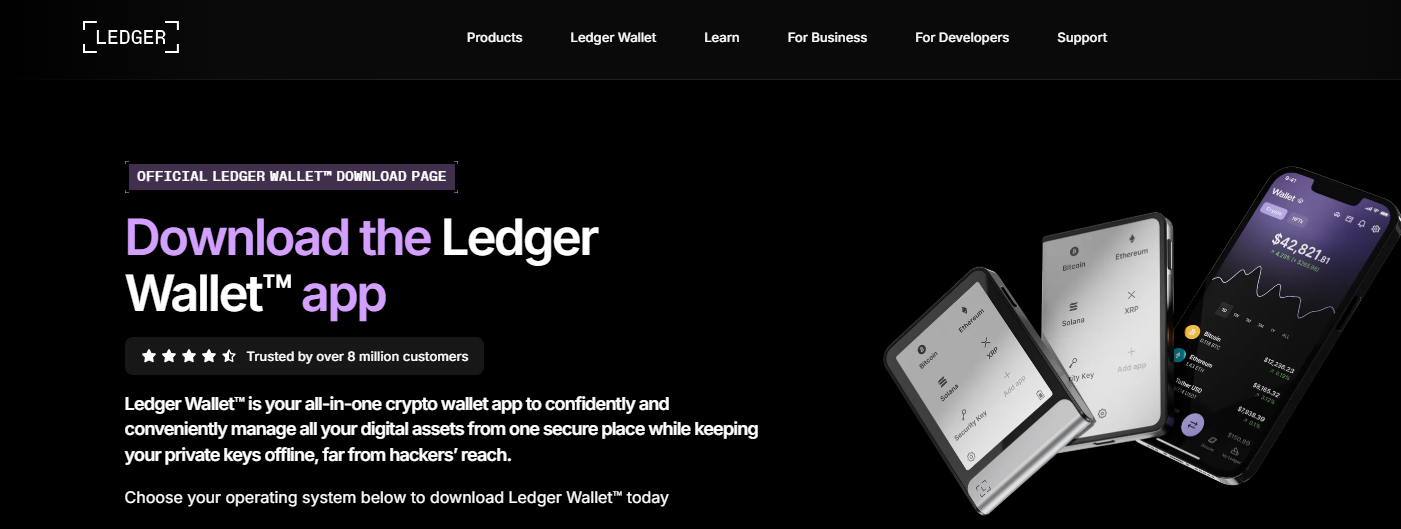
In the world of cryptocurrency, security is everything. With increasing cyber threats and exchange vulnerabilities, relying on secure storage solutions has become essential. This is where the Ledger ecosystem stands out. Combining a powerful hardware wallet with an intuitive software interface called Ledger Live, it offers one of the most trusted solutions for managing digital assets.
What Is a Ledger Hardware Wallet?
A Ledger hardware wallet is a physical device designed to securely store your private keys offline. Unlike software wallets that remain connected to the internet, Ledger devices use cold storage, meaning your sensitive information is protected from hackers and malware.
Key Features:
- Offline Storage: Keeps private keys away from online threats
- Secure Element Chip: Uses advanced encryption similar to banking systems
- Multi-Currency Support: Supports thousands of cryptocurrencies and tokens
- User Control: You fully own and control your assets
Popular models include Ledger Nano S Plus and Ledger Nano X, both offering high-level security with different features and connectivity options.
What Is Ledger Live?
Ledger Live is the official application developed by Ledger that allows users to manage their crypto assets seamlessly. It acts as a bridge between your hardware wallet and the blockchain.
What You Can Do with Ledger Live:
- Buy, sell, and swap cryptocurrencies
- Track your portfolio in real-time
- Install and manage apps for different coins
- Stake assets to earn rewards
- Send and receive crypto securely
Ledger Live is available on both desktop and mobile devices, offering a smooth and user-friendly experience.
How Ledger Hardware Wallet Works
When you set up your Ledger device, it generates a unique recovery phrase (also known as a seed phrase). This phrase is the master key to your wallet and must be stored securely offline.
Here’s how it works:
- Your private keys are generated and stored inside the device
- Transactions are initiated through Ledger Live
- You physically confirm transactions on the device
- The signed transaction is broadcast to the blockchain
This ensures that even if your computer is compromised, your funds remain safe.
Benefits of Using Ledger Wallet with Ledger Live
1. Maximum Security
Ledger devices isolate private keys from internet exposure, drastically reducing the risk of hacks.
2. Easy Portfolio Management
Ledger Live provides a clean dashboard where you can monitor balances, transactions, and performance.
3. All-in-One Solution
From buying crypto to staking and swapping, everything can be done within a single platform.
4. Regular Updates
Ledger frequently updates its firmware and Ledger Live app to enhance security and add new features.
Pros and Cons
Pros:
- Industry-leading security features
- Supports a wide range of cryptocurrencies
- User-friendly interface via Ledger Live
- Backup and recovery options
Cons:
- Initial setup may feel complex for beginners
- Hardware device must be purchased
- Requires careful handling of recovery phrase
Getting Started with Ledger
To begin using Ledger:
- Purchase a Ledger device from the official source
- Set up the device and note your recovery phrase
- Download Ledger Live on your computer or phone
- Connect your device and install apps for desired cryptocurrencies
- Start managing your digital assets securely
Best Practices for Security
- Never share your recovery phrase with anyone
- Store your recovery phrase offline in a safe place
- Always verify transactions on your Ledger device
- Keep your Ledger Live app updated
- Avoid phishing websites pretending to be Ledger
Final Thoughts
The combination of a Ledger hardware wallet and Ledger Live creates a powerful ecosystem for crypto security and management. Whether you're a beginner or an experienced investor, it offers peace of mind by giving you complete control over your digital assets.
If you’re serious about protecting your cryptocurrency, relying solely on exchanges or online wallets is risky. A hardware wallet like Ledger ensures your investments remain secure, accessible, and under your control.
Frequently Asked Questions
Q1: Is Ledger Live free to use?
Yes, Ledger Live is free. You only pay for the Ledger.com/start device.
Q2: Can I use Ledger without Ledger Live?
Ledger Live is the primary interface, but advanced users can connect Ledger to third-party wallets.
Q3: What happens if I lose my Ledger device?
You can recover your funds using your recovery phrase on a new device.
Q4: Is Ledger safe for beginners?
Yes, it’s designed to be user-friendly while maintaining high security standards.
Disclaimer: Always use official sources when setting up your wallet to ensure maximum security

 English
 Arabic
 French
 Portuguese
 Deutsch
 Turkish
 Dutch
Dutch
 Italiano
 Russian
 Romaian
 Portuguese (Brazil)
 Greek
Greek
